

Best AI Meeting Assistants in 2026 (Tested, With Screenshots)
I have run most of the tools on this list through real calls, and the thing nobody tells you is that the recording part is basically solved. Every assistant here transcribes well enough. What actually separates them is whether a bot crashes your call, where your data lives, and whether the notes ever reach the place your team works.
So this is not another spec dump. It is a ranked, tested look at nine AI meeting assistants, with real screenshots and honest trade-offs. I will tell you which one fits which job, and where each one quietly annoyed me.
Quick answer
The best AI meeting assistant depends on how you work. For bot-free notes that keep your call clean, Granola or Krisp lead. For the most generous free plan, Fathom gives you unlimited recording. For wide language coverage and integrations, Fireflies wins, and for European data storage, tl;dv. If your team already lives in Google Meet, Google's built-in notes work well, as long as you pay for Business Standard. Recording quality is now a commodity across all of these tools. The real choice comes down to three things: the bot, your data, and where the notes land.
What is an AI meeting assistant?
An AI meeting assistant is software that records or listens to your meetings, turns the audio into text, and uses AI to summarize the conversation, pull out action items, and make the discussion searchable afterward.
Some join your video call as a participant. Others listen quietly from your laptop without a bot. After the meeting, they hand you a summary, a list of tasks, and a transcript you can search. The good ones also push that output into the tools you already use.
Do you actually need one?
If you sit in two or more meetings a day and keep losing decisions to bad notes, yes. An assistant frees you to listen instead of typing, and it gives you a record you can search later.
If you meet rarely, or your calls are sensitive enough that a transcript is a liability, you may want to skip it or pick a bot-less, privacy-first option. The tool you choose should match how much you meet and how careful you need to be with the audio.
How I tested them
I judged each tool on five things: how it captures a call (bot or no bot), how it handles your data, how many languages it covers, how cleanly the notes leave the tool, and what the free plan and entry price really get you. Prices come from each company's own pricing page, checked in June 2026. Where a vendor does not state something, I say so rather than guess.
The nine tools at a glance
Start here, then jump to the section you care about. Prices are the cheapest paid plan per user.
| Tool | Best for | Free tier | From (per user) |
|---|---|---|---|
| Granola | Bot-haters who take notes solo | Yes, limited history | $14/mo |
| Fathom | The most generous free plan | Yes, unlimited | $16/mo annual |
| Fireflies | Languages and integrations | Yes, 400 min storage | $10/mo annual |
| Krisp | Call audio quality, no bot | No, 7-day trial | $8/mo annual |
| Otter | Searchable team knowledge | Yes, 300 min/mo | $8.33/mo annual |
| Read | Search across meetings and email | Yes, 5 transcripts/mo | $15/mo annual |
| tl;dv | EU data residency, privacy | Yes, unlimited recording | ~$18/mo annual |
| Avoma | Sales and revenue teams | No, 14-day trial | $19/mo annual |
| Google (Gemini) | Teams already in Google Meet | In Workspace | $14/mo (Standard) |
The bot problem (and your data)
Here is the gap most roundups skip. When an assistant joins your call, it appears as an extra participant, a bot sitting in on a human conversation. On a client call that can feel intrusive and pull focus, even when everyone knows it is there. To be clear, you should always tell people a meeting is being recorded. Going bot-less is about a calmer call, not a quieter recording.
Bot-less tools avoid this. They listen from your computer's audio instead of joining the meeting. I switched to a bot-less tool for exactly this reason, the call feels normal and nobody reacts to a robot in the room. The trade-off is consent: a visible bot makes recording obvious, which some teams prefer.
The second half of this is your data. Most of these tools store everything in the cloud, usually in the United States. A few let you opt out of model training, and one keeps your data in the European Union. If your meetings touch client secrets, this column matters more than any AI feature.
| Tool | Joins as a bot? | Where data lives | Trains on your data? |
|---|---|---|---|
| Granola | No, listens locally | US cloud, audio not kept | No third-party training; opt-out |
| Fathom | Bot or bot-free (beta) | US cloud | No third-party; opt-out internal |
| Fireflies | Yes, a bot joins | US cloud | No, by default |
| Krisp | No, captures locally | US cloud | No |
| Otter | Bot or bot-free desktop | US cloud | De-identified data only |
| Read | Yes, a bot joins | US cloud | Personalized only; opt-out |
| tl;dv | No (bot optional) | EU cloud | No |
| Avoma | Yes, a bot joins | US cloud | Limited; opt-out scope |
| Google (Gemini) | No, built into Meet | Google Drive | Not without permission |
The nine tools, reviewed
Granola: the bot-less notepad
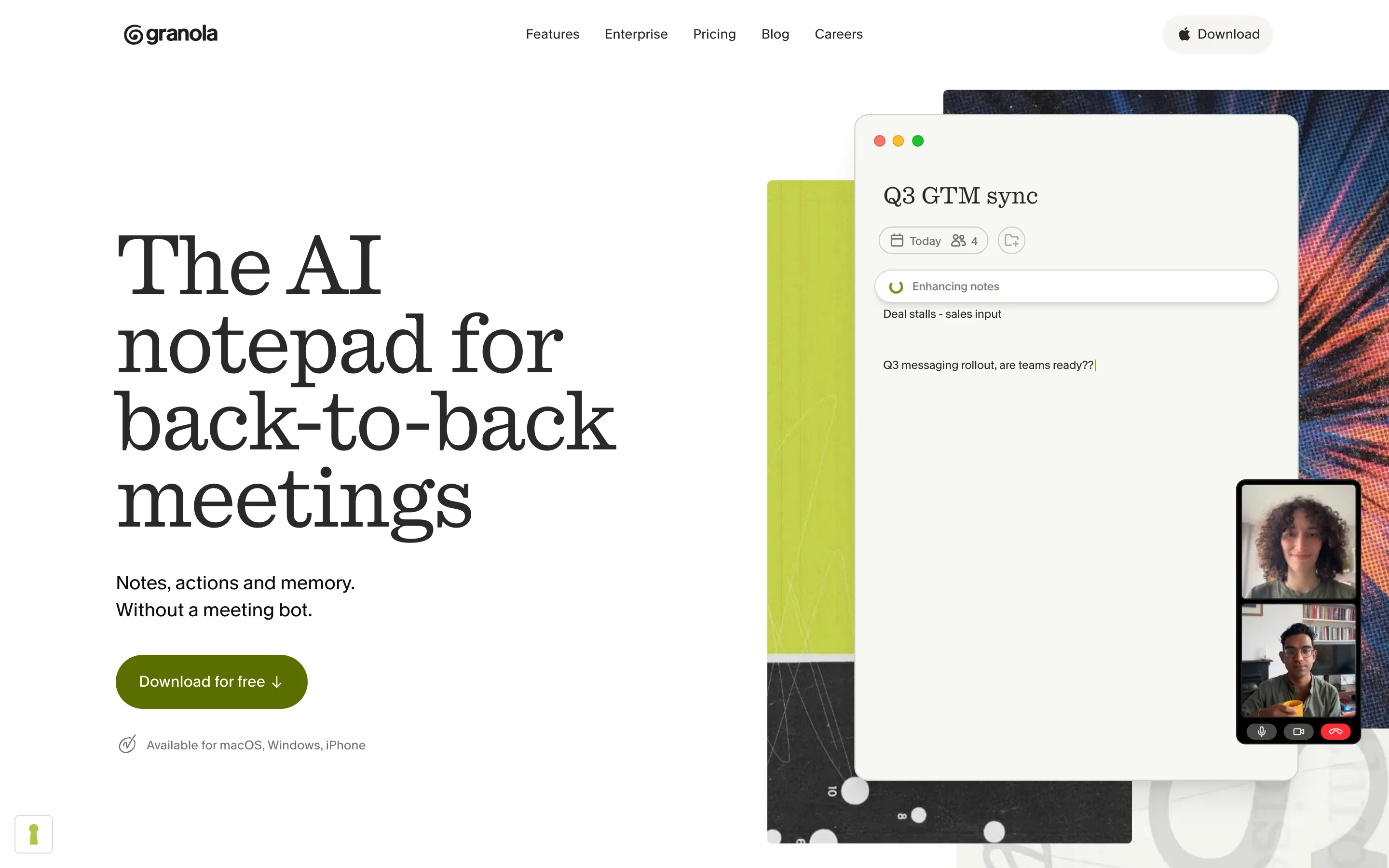
Granola is the one I moved to. It does not join your call. It listens from your Mac or PC, then turns your rough notes into a clean summary the moment the meeting ends. It supports 17 languages and connects to Claude and ChatGPT through MCP.
One myth to clear up, since I believed it too: Granola does not keep your notes on your machine. They sit in Granola's US cloud. What it does avoid is storing the audio, and it never puts a bot in your call. That is the real privacy win, not local storage.
Best for. Solo operators and managers in back-to-back calls who hate the bot.
Watch out. The free plan limits history, and the workspace is a little closed. I still end up copying notes into other tools by hand.
Fathom: the best free plan
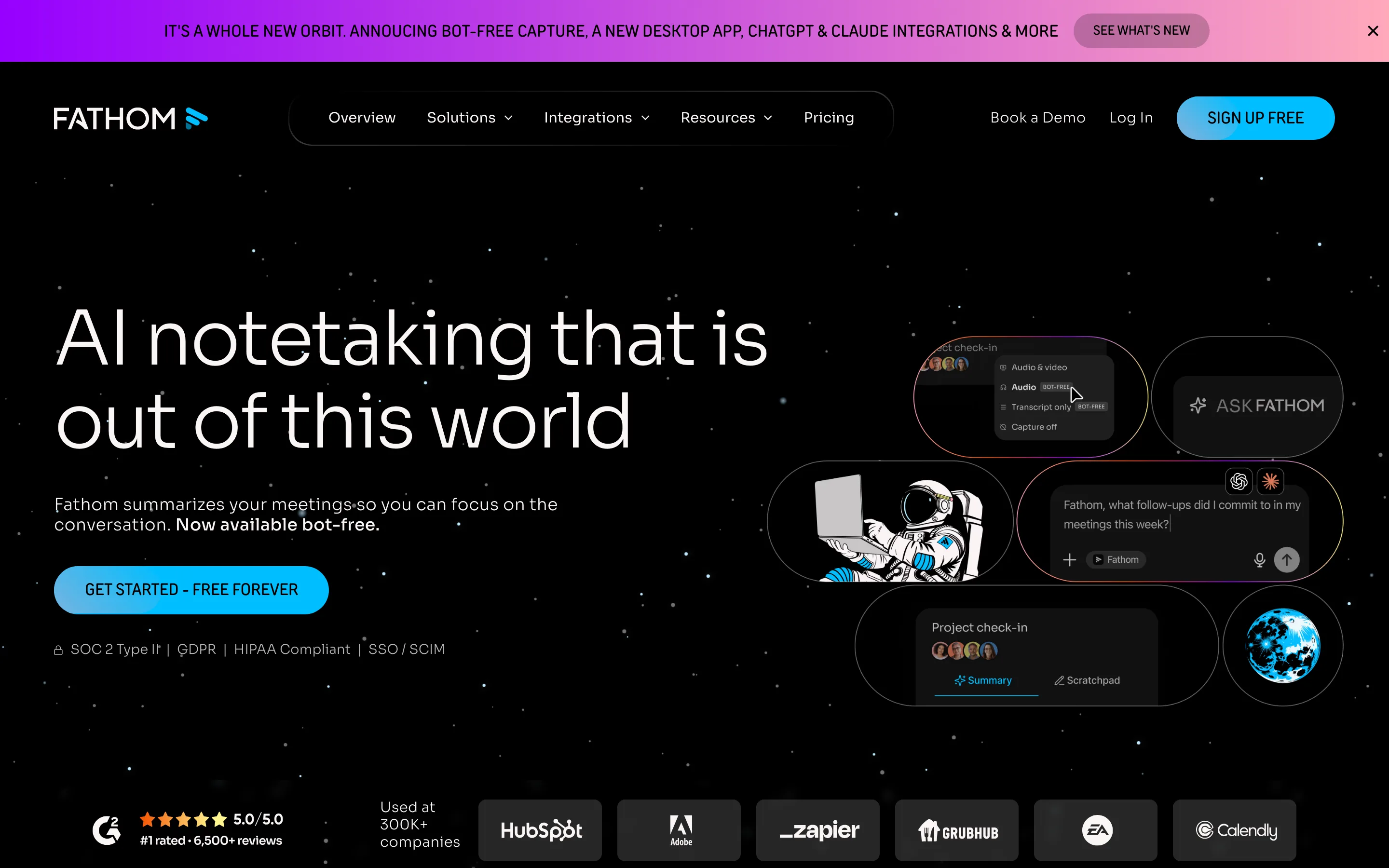
Fathom has the most generous free tier here: unlimited recordings, transcripts, and summaries at no cost. Paid plans start at $16 per user per month billed annually. It works across Zoom, Google Meet, and Microsoft Teams, and now offers a bot-free capture option in beta.
It pushes action items into Slack, HubSpot, Salesforce, and Asana, and connects to Claude and ChatGPT. Summaries land after the call, not live, which is fine for most people.
Best for. Anyone who wants a real tool without paying, especially sales and customer success.
Watch out. Bot-free mode is still in beta, and data is US-hosted only.
Fireflies: languages and integrations
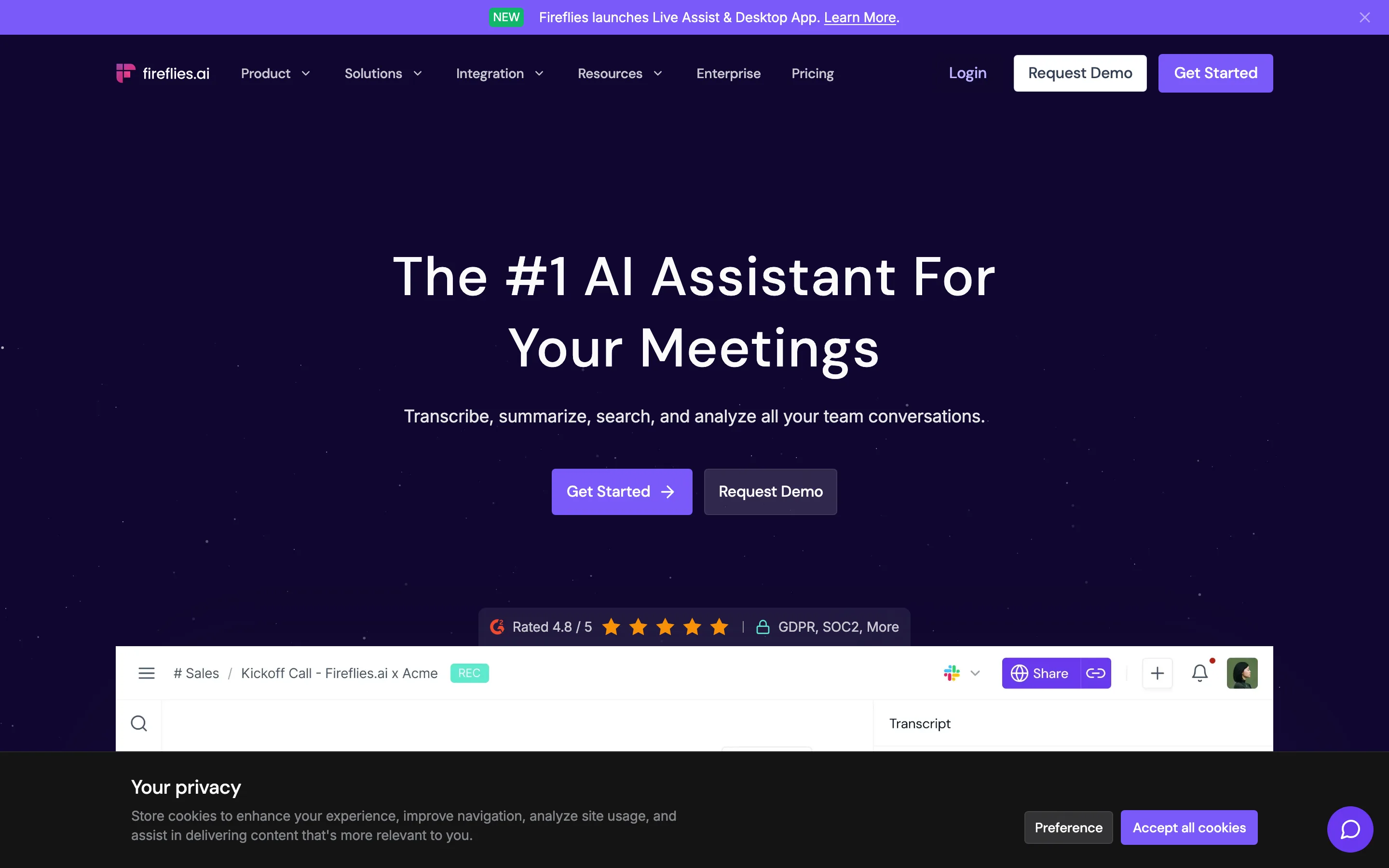
Fireflies sends a bot named Fred into your meeting. In return you get transcription in over 100 languages, a claimed 95% accuracy, and one of the widest integration lists in this group. The free plan is real, though storage is capped; paid starts at $10 per user per month billed annually.
On privacy it is strong: a zero-day retention option and no model training by default. It also exposes an MCP server and a public API, so notes can flow almost anywhere.
Best for. Multilingual teams and anyone who needs the assistant wired into many tools.
Watch out. The bot always joins, so the awkward-participant problem stays.
Krisp: call quality without a bot
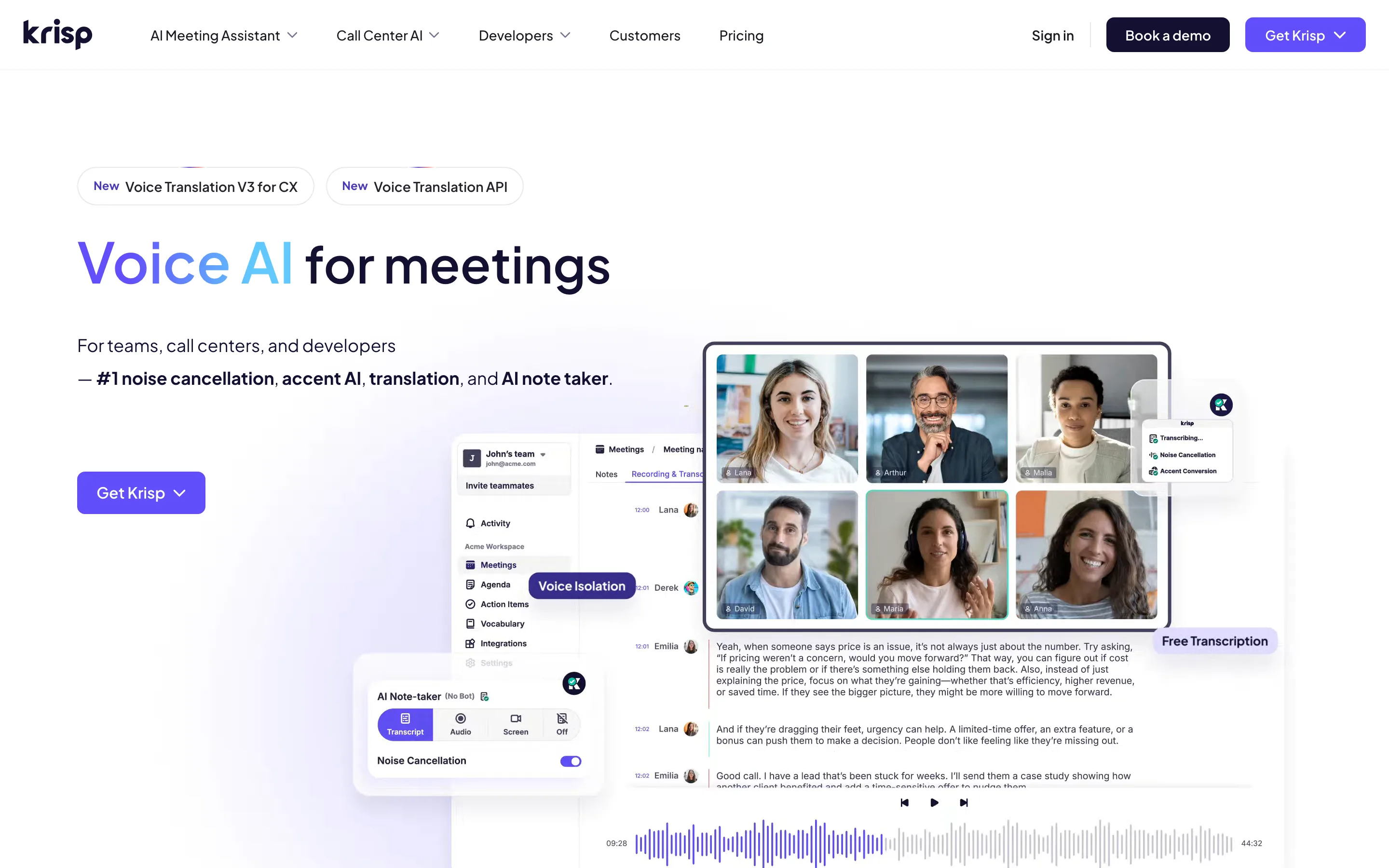
Krisp started as noise-cancellation software, and that heritage shows. It captures audio locally with no bot, cleans it up, and claims 96% transcription accuracy across 16-plus languages. There is no free tier, only a 7-day trial; paid starts at $8 per user per month billed annually.
True on-device transcription exists but only on the Enterprise plan. For everyone else, notes still sync to Krisp's cloud.
Best for. Noisy environments and people who care about clean call audio.
Watch out. No free plan, and local-only processing is gated to Enterprise.
Otter: searchable team knowledge
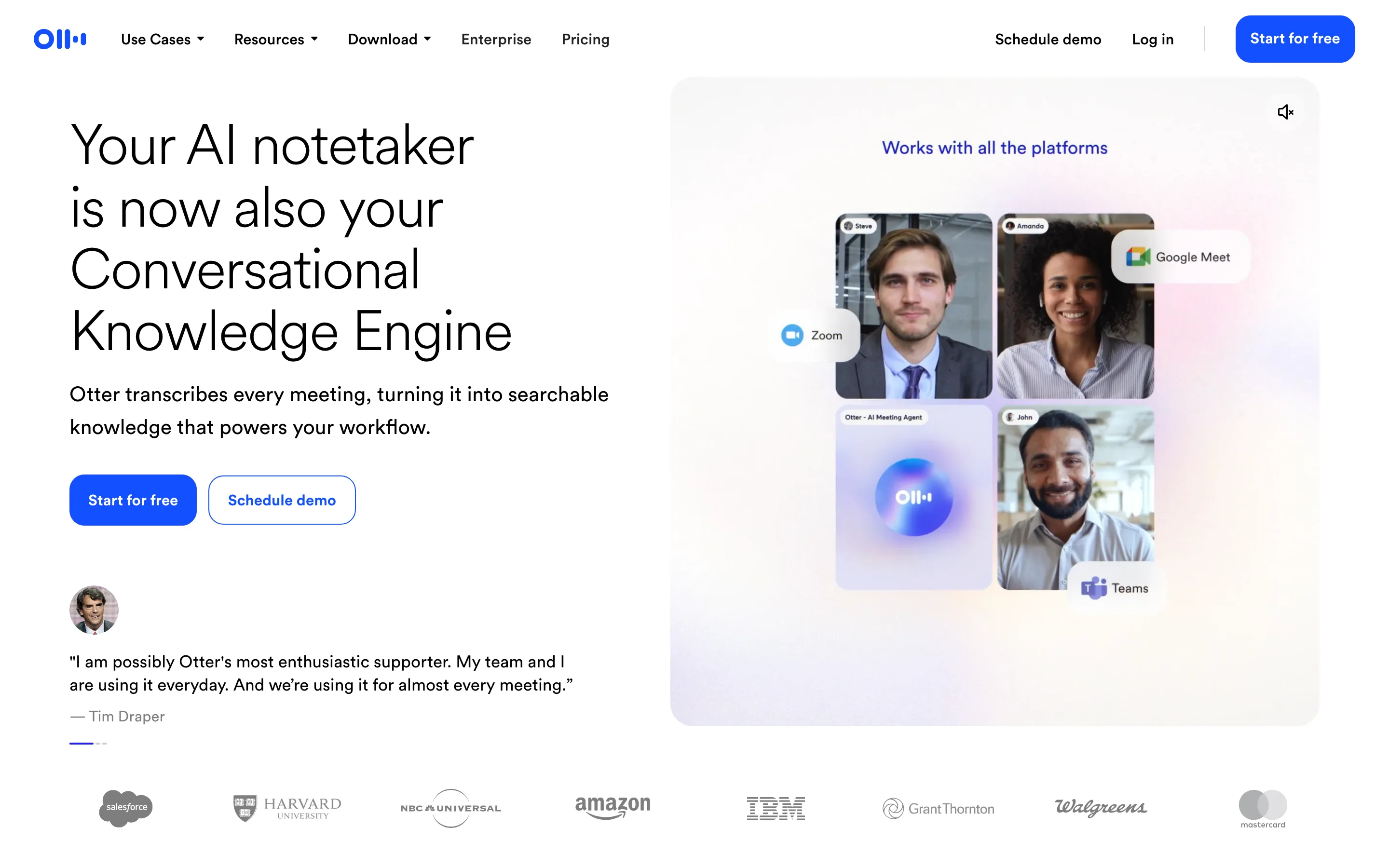
Otter is one of the oldest names here, and it shows in the polish. It can join as a bot or record bot-free from the desktop app, and its chat feature lets you ask questions across past meetings. The free plan gives 300 minutes a month; paid starts at $8.33 per user per month billed annually.
The catch is language coverage. Otter supports only six languages today, which is thin next to Fireflies or Avoma.
Best for. English-first teams that want a mature, searchable record.
Watch out. Only six languages, and monthly minute caps on lower plans.
Read: search across more than meetings
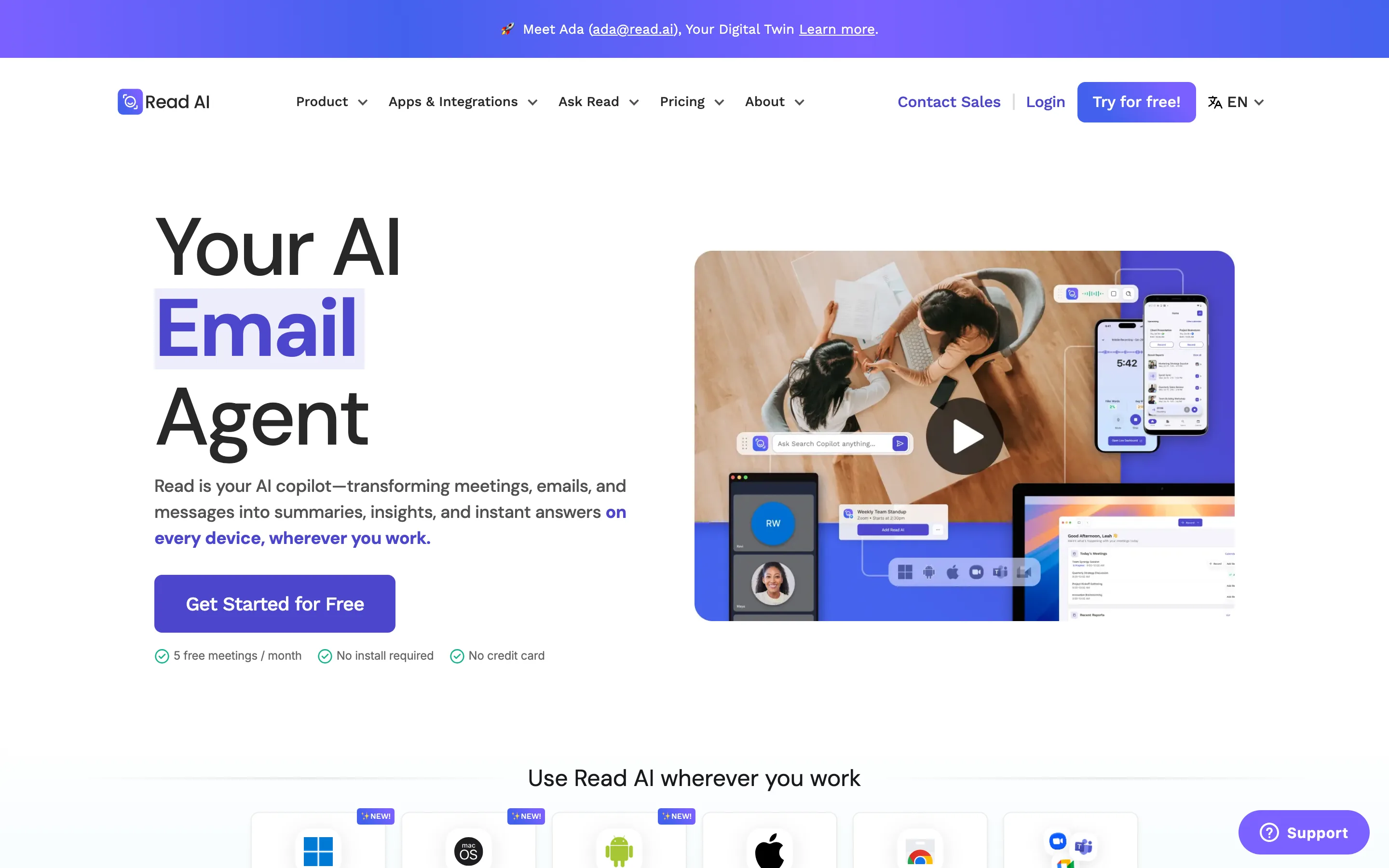
Read AI wants to be a copilot for everything, not just calls. It joins meetings as a bot, then ties that record together with your email and messages for one search box. It covers 20-plus languages; paid starts at $15 per user per month billed annually.
It connects widely, including Slack, Teams, Notion, CRMs, Zapier, an API, and MCP. The free plan is thin at five transcripts a month.
Best for. People drowning across meetings, inbox, and chat who want one search.
Watch out. The bot always joins, and the free tier runs out fast.
tl;dv: the privacy-first pick
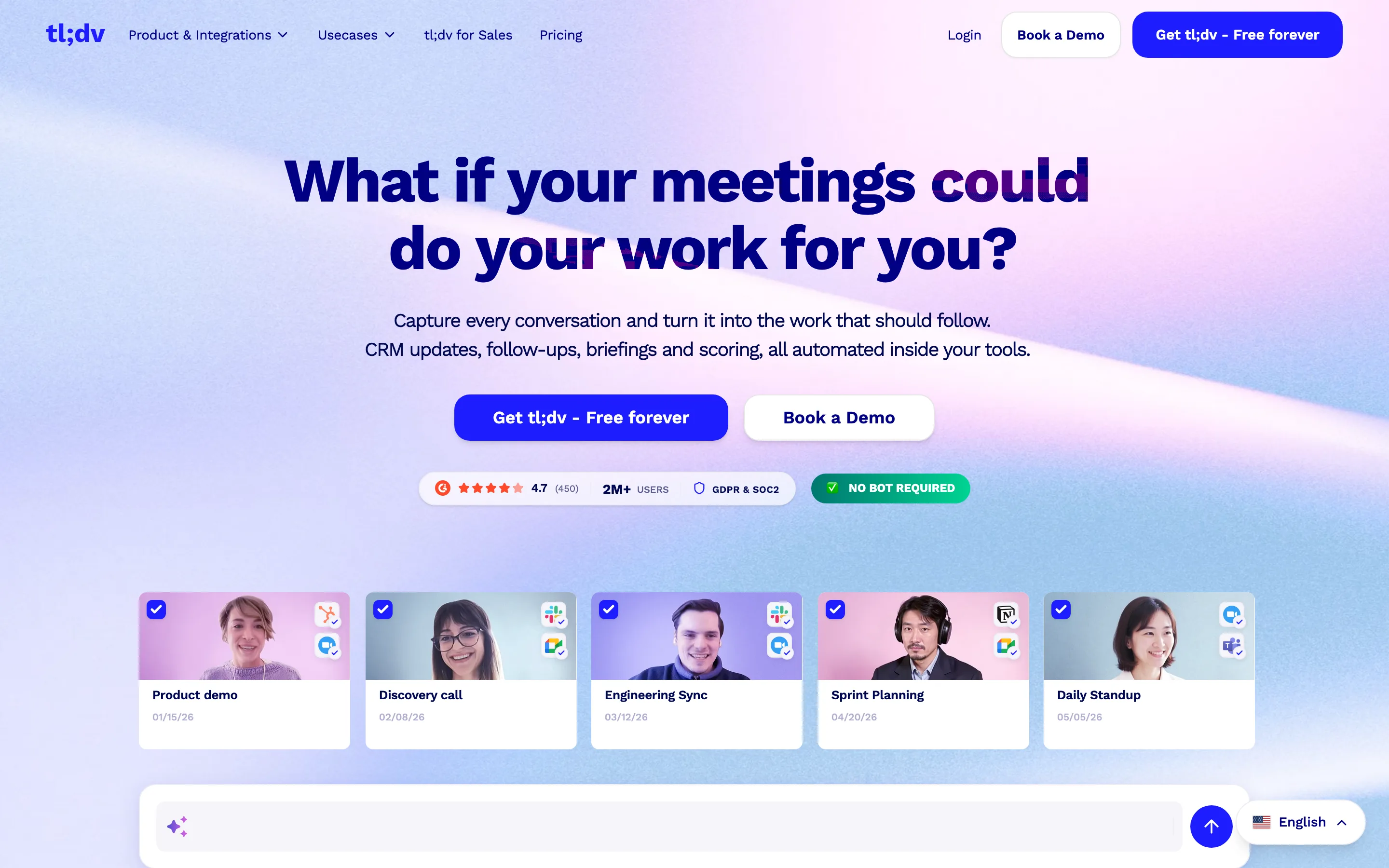
tl;dv has the strongest data story in this list. Your data is hosted and stored in the European Union, it states it does not train AI on your content, and it is EU AI Act compliant. It captures without a bot, supports 30-plus languages, and offers a generous free plan with unlimited recording. Paid starts around $18 per user per month billed annually.
It also carries thousands of integrations plus an API, webhooks, and MCP on paid plans, with heavy CRM logging for sales teams.
Best for. European teams, or anyone who puts data residency first.
Watch out. AI features are capped on the free plan, and prices show in euros by region.
Avoma: built for sales teams
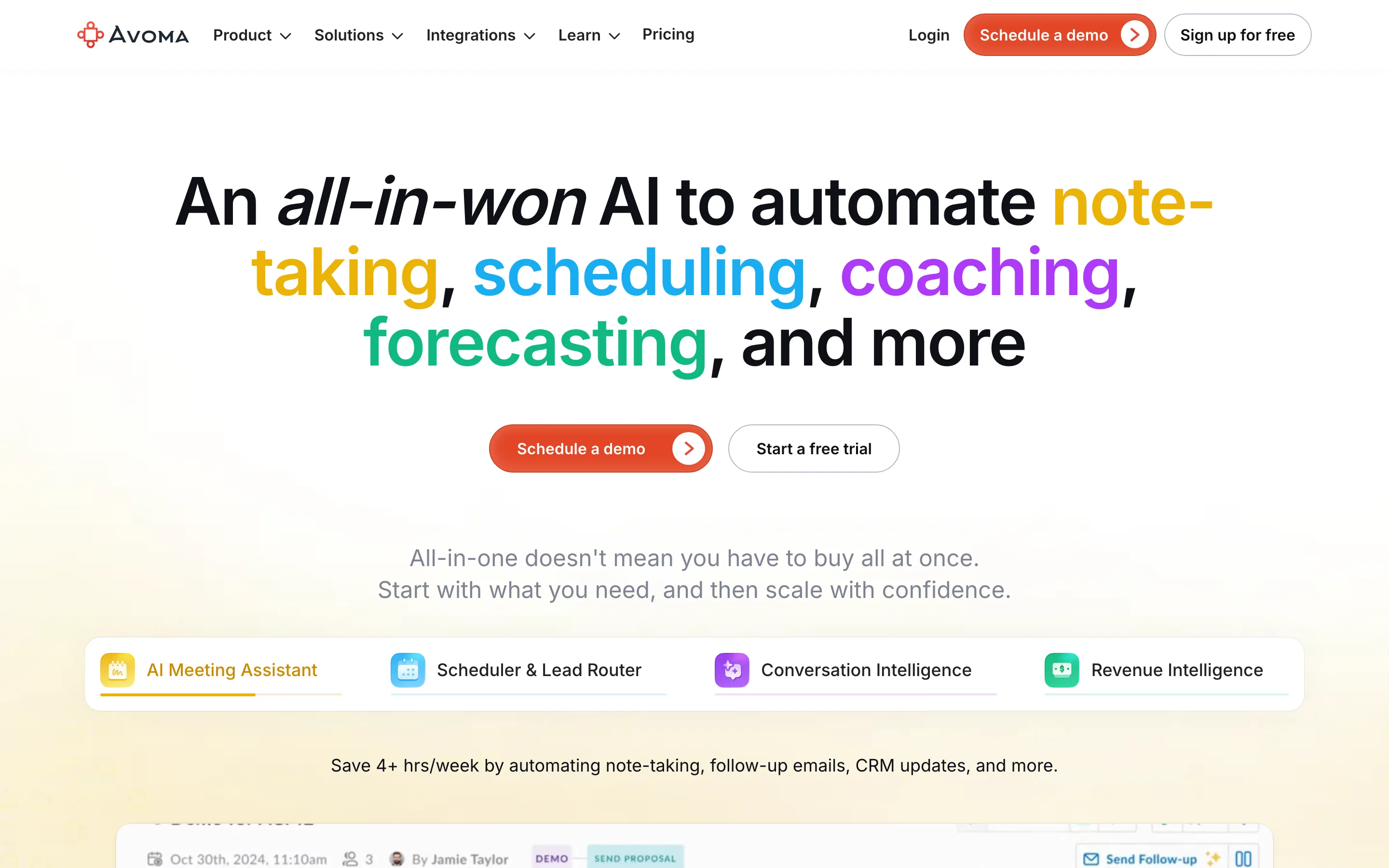
Avoma is less a notepad and more a sales platform. It joins as a bot, then layers on scheduling, coaching, forecasting, and deep CRM logging. There is no free tier, only a 14-day trial; base plans start at $19 per user per month billed annually, with intelligence add-ons priced on top.
It supports 40-plus languages and connects to Salesforce, HubSpot, Pipedrive, Slack, Zapier, and an API with MCP.
Best for. Sales and revenue teams that live in a CRM.
Watch out. No free plan, and the add-ons stack up. It is overkill for simple note-taking.
Google (Gemini in Meet): if you already live in Google Meet
Google's "Take notes for me" feature is built into Google Meet, so no bot joins and there is nothing to install. Notes save straight to a Google Doc in Drive and attach to the calendar event. It covers eight languages and delivers the summary after the call.
The catch is the one I keep hitting: it is not on the cheapest plan. AI notes require Business Standard at $14 per user per month, not the $7 Business Starter plan. It also only works inside Google Meet, not Zoom or Teams.
Best for. Teams already paying for Google Workspace Business Standard or higher.
Watch out. Gated above the cheapest plan, and Meet-only.
Where your notes actually land
This is the part the roundups gloss over, and it is where most of these tools quietly fail. A perfect summary is useless if it dies inside the meeting app. The real question is whether your action items show up where your team already works.
That is also my main frustration with bot-less notepads. The notes are great, but the environment is closed, so I copy tasks into another tool by hand after every call. The tools that handle this well push action items into your agenda, your tasks, and your team chat automatically.
Almost every tool here now exposes an MCP server, a standard that lets an AI assistant move data in and out of it. That cuts both ways. If your workspace also speaks MCP, an AI agent can take the action items from your meeting assistant and drop them straight into your team's tasks and chat, with no copy-paste. The assistant captures, the workspace holds the follow-through.
At Rock, we work this way ourselves. We connect a meeting assistant to our workspace over MCP, so the action items from a call land as tasks in the right project the moment the meeting ends. That is why a focused assistant plus an open workspace beats a closed all-in-one for most teams, the capture and the follow-through stay connected without anyone re-typing notes.
How to choose
| Your situation | Best pick |
|---|---|
| You live in Google Meet | Google's built-in notes, if you are on Business Standard or higher. |
| You hate the bot | Granola or Krisp, or the bot-free modes in Fathom and Otter. |
| You want the best free plan | Fathom, with unlimited recording at no cost. |
| You need many languages or integrations | Fireflies, over 100 languages and wide integrations. |
| Data residency comes first | tl;dv, everything stored in the EU with no training on your content. |
| You run a sales team | Avoma, with notes tied to coaching and your CRM. |
| You search across more than meetings | Read AI, which pulls email and messages into one place. |
Whatever you pick, decide first how much the bot, your data, and the handoff matter to you. Those three beat any feature checklist. For the meetings themselves, a tight virtual meeting habit and a clear minutes template do more than any AI summary.
FAQ
What is the best AI meeting assistant overall?
There is no single winner. Granola is best if you want bot-less notes, Fathom for a free plan, Fireflies for languages, and tl;dv for privacy. Match the tool to how you meet.
Is there a free AI meeting assistant?
Yes. Fathom offers unlimited recording for free, and Otter, Fireflies, Read, and tl;dv all have free tiers with limits. Krisp and Avoma offer trials only.
Can an AI meeting assistant join without a bot?
Yes. Granola and Krisp capture audio locally with no bot, and Fathom and Otter offer bot-free modes. Google's notes are built into Meet, so no bot joins either.
Do AI meeting assistants train on my data?
Most do not train third-party models on your meetings, and several let you opt out of internal training. tl;dv and Fireflies have the clearest no-training stance. Always check the current policy.
How do I get the meeting notes into my other tools?
Look for native integrations or an MCP server and API. The cleanest setups push action items straight into your team's tasks and chat, so nobody re-types them.





