

Product Update: Your new Activities inbox, a smarter sidebar, and a lot more
Over the past few months we sat down with a lot of teams using Rock to understand what would help them do their best work.
The same theme kept coming up: navigation, notifications and AI. Staying on top of what needs you as you join more spaces should stay just as simple as when you had a few. So a large part of this release went into further improving that experience.
What's new in a nutshell: a new Activities inbox, a redesigned navigation sidebar, and automatic archiving.
The Activities inbox: Everything that needs you, in one place
The more you use Rock, the more lands across your spaces: a mention here, a task there, a reply in a space you have not opened today. We wanted one place where all of that comes to you, instead of you going to find it.
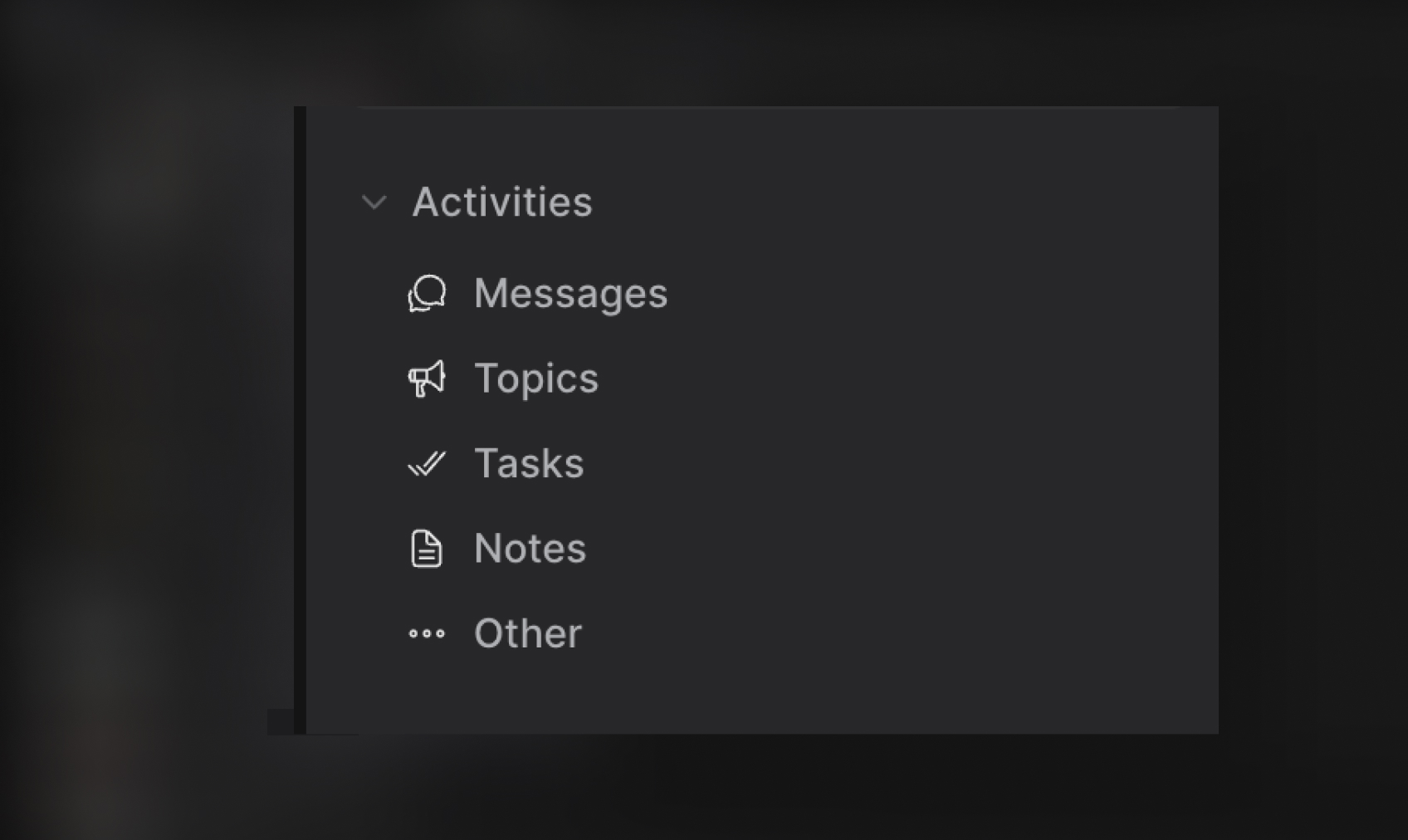
That is the Activities inbox. The inbox gathers everything waiting on you, across every space, into one list in your sidebar: messages, mentions, tasks, notes, and replies. A glance tells you what needs a response.
From there, filter to just Unread, Mentions, or DMs, clear everything with one Mark all as read, and see what you have scheduled to send. It is grouped by space, so you always know where things stand.
A redesigned sidebar that scales with your spaces
Your sidebar is where you move between everything, so we made it faster to get around. Space rows are tighter now, so you see more of your spaces at once. Workspaces nest their spaces inline with unread indicators right where you expect them, and a quick-filter search jumps you to any space by typing part of its name.
We also gave it some extra room to breathe. A cleaner collapsed rail, dark mode that is easier to read, and your profile and settings tucked at the bottom. Each workspace has its own menu for settings, invites, and creating a space, so you rarely have to leave the list.
.jpg)
Auto-archive: Quiet spaces tidy themselves
Over time, you collect spaces. A project wraps, a one-off chat goes quiet, you join a space once for a single thread. We wanted your sidebar to keep reflecting what you are actually working on, without you having to clean it up.
So Rock now does it for you. Any space with no activity for two weeks archives itself and moves out of the way. Nothing is deleted. An archived space is one click away under Archived, you can bring it back anytime, and it resurfaces on its own the moment there is new activity.
If a space you expected is not where you left it, check Archived or search for it by name.
We moved the Rock Customer Support space to the side panel
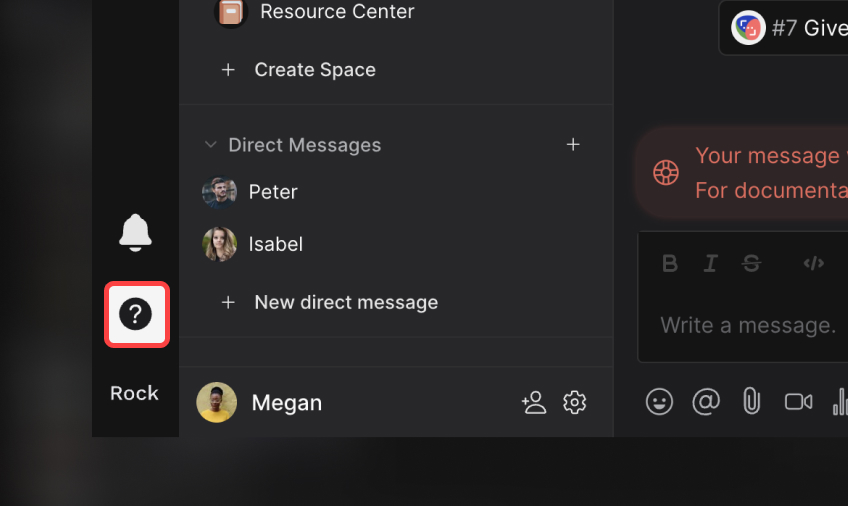
Rock Support now has its own spot. We moved it to a dedicated button on the bottom-left rail, so it is always one click away when you need a hand, while your space list stays just for your conversations.
A brand-new sign-in screen
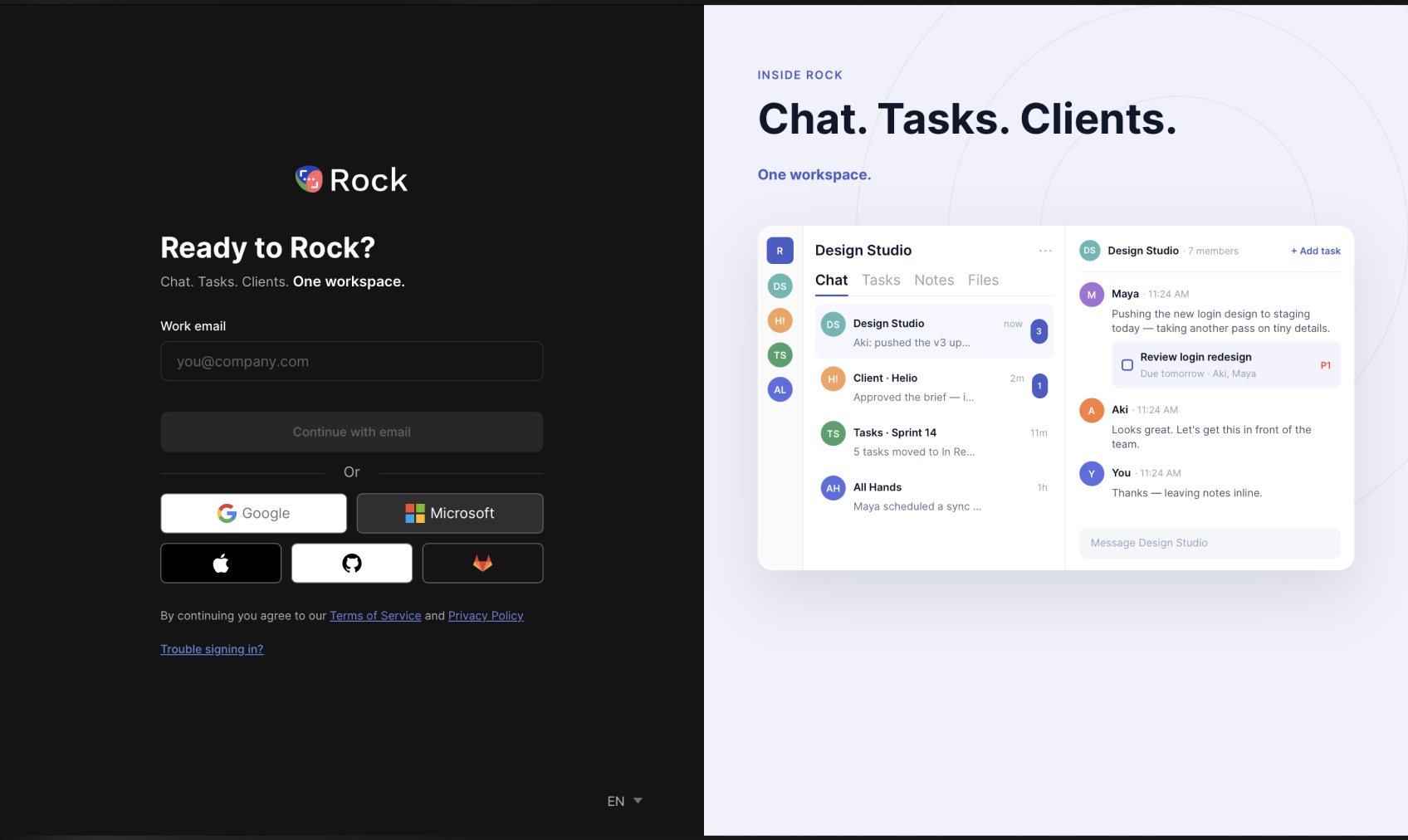
We rebuilt sign-in and sign-up from the ground up. The new split-screen layout is cleaner, you can pick your language right on the login page, the sign-in options are clearer, and it reads better for screen readers and in high contrast.
So if your sign-in screen looks a little different next time, that is why. Same secure Rock login underneath.
Plus a long list of improvements and fixes
We shipped a lot of smaller refinements this release. The highlights:
Sidebar and navigation
- Quick-filter search built into the space list.
- Sections and folders auto-expand when they have unreads.
- Unread shows as a clean brand-blue dot instead of a count.
- Profile and settings row at the bottom of the list.
- Your avatar opens Quick Settings.
- Per-workspace menu for settings, invite, and leave.
- Create a space straight from a workspace header.
- "+ New direct message" shortcut in the DMs section.
- Decluttered left rail and unified top icons.
- Clearer dark-mode headers and collapsed-mode polish.
- More accurate recency sorting of spaces.
Chat
- Long URLs now show clean, readable labels.
- Links to tasks, notes, and files resolve inline without opening the mini-app first.
Spaces and invites
- The Add Spaces picker in workspace settings lists your existing spaces again instead of coming up empty.
- Invite dialog down to two clear actions: by email or by link.
- Invite-by-link drops you into the right space, and handles the already-a-member case.
- Workspace admin can be assigned from the member menu.
Personal space
- Reopens to your last-used view and expands your space list on entry.
Activities and notifications
- Messages in a space you already have open and focused no longer show up as unread or fire a toast or sound.
- DMs filter chip and scheduled messages surfaced inline.
- Panel anchoring, scrolling, and read-marking fixes. More on the way.
Sign-in
- Screen-reader announcements, contrast and layout fixes.
Billing and stability
- Restored the Stripe billing-portal link and fixed a dark-mode logo.
- Removed an event-listener cap so many workspaces stay responsive.
- Graceful handling of locale load failures.
- Assorted popup, routing, and crash fixes.
Try it
Open Rock to see your new Activities inbox and sidebar, or sign up for free if you are new here.
Feedback? Tell us what you think. Your Rock Support space sits right on the bottom-left rail now, so poke us anytime, whether something clicked or got in your way.





