

Backlog Grooming (Now Refinement): A Practical Guide for Agile Teams
Most agile teams that struggle with sprint planning have the same root problem. The backlog is a wishlist, not a workable queue. The stories are vague, the priorities are debatable, and nobody has estimated anything. Sprint planning then turns into a refinement session in disguise, and the team commits to less than they could have.
Backlog grooming, now officially called backlog refinement, is the practice that fixes this. The Scrum Guide replaced the word "grooming" with "refinement" in 2013, but the work is the same. Keep the top of the backlog clear, sized, and ranked, so the next sprint can start the moment planning begins.
This guide covers what grooming is and how it differs from sprint planning. It walks through the DEEP framework that defines a ready backlog, a working agenda, and the pitfalls that quietly drain its value.
Quick answer: what backlog grooming is
Backlog grooming is the ongoing practice of reviewing, clarifying, estimating, and prioritizing items in a product backlog so the top of the list is ready for the next sprint. The Scrum Guide calls it refinement; in conversation, most teams use both terms.
A grooming session is typically a 60-minute weekly meeting led by the product owner. The team reviews the next 5 to 8 items, sharpens acceptance criteria, estimates effort (often as a quick t-shirt sizing pass for items not yet refined enough for story points), and confirms the priority order.

Chat and backlog in one space.
Rock pairs messaging with a task board, so refinement happens where the work lives. One flat price, unlimited users.
Grooming vs refinement vs sprint planning
The three terms get used interchangeably. They are not interchangeable. Grooming and refinement name the same activity. Sprint planning is a separate ceremony that depends on refinement being done well.
If your backlog is groomed continuously, sprint planning is short. The team walks a ranked list of ready items, picks the ones that fit the next sprint, and starts work. If refinement is skipped, sprint planning balloons into a multi-hour debate about scope, priority, and estimates that should have happened earlier.
| Term | What it is | When it happens | Output |
|---|---|---|---|
| Backlog grooming | The older name for backlog refinement. Same activity. | Ongoing, usually weekly or bi-weekly between sprints. | A backlog where the top items are clear, sized, and ranked. |
| Backlog refinement | The current Scrum Guide term. Reviewing, clarifying, estimating, and prioritizing items. | Ongoing. Scrum Guide caps it at 10 percent of the team capacity. | Same as above. The name changed in 2013, the work did not. |
| Sprint planning | A separate ceremony where the team commits to a set of items for the next sprint. | Once per sprint, at the start. | A sprint backlog with a clear sprint goal. |
"Product Backlog refinement is the act of breaking down and further defining Product Backlog items into smaller more precise items. This is an ongoing activity to add details, such as a description, order, and size." - Ken Schwaber and Jeff Sutherland, Scrum Guide 2020
The DEEP framework for a sprint-ready backlog
A useful backlog is DEEP: Detailed appropriately, Emergent, Estimated, and Prioritized. The acronym is attributed to Mike Cohn at Mountain Goat Software. It is the most practical heuristic for checking whether the top of your backlog is ready for the next sprint.
The trick is that detail is relative. The top 5 items need acceptance criteria, estimates, and clear owners. The bottom 50 only need a title and a one-line summary. Spending refinement time on a story that will not enter a sprint for four months is wasted effort.
Emergent means the backlog is allowed to change. New ideas come in, old ones get dropped, priorities shift as the team learns more. Estimated means every top item has a size attached, even a rough T-shirt size. Prioritized means whoever picks the next item knows it is the most important one.
| Criterion | Signal it is missing | How to fix it | |
|---|---|---|---|
| D | Detailed appropriately | The team asks clarifying questions during sprint planning that the product owner cannot answer. | Add 2 to 3 acceptance criteria per item. Lean detail at the bottom of the backlog, more detail near the top. |
| E | Emergent | The backlog has not changed in two weeks. New ideas live in someone's notes app instead. | Move the backlog to a shared tool where anyone can add items between sessions. |
| E | Estimated | You cannot say how much of the top 10 will fit in one sprint. | Run a quick T-shirt sizing pass. Anything over XL gets split before it enters a sprint. |
| P | Prioritized | Two team members would pick different items as "the next one." | Force-rank the top 10 using value versus effort or a method like MoSCoW. |
"A good product backlog is DEEP: Detailed appropriately, Estimated, Emergent, and Prioritized." - Mike Cohn, Mountain Goat Software
Who runs a backlog grooming session
The product owner leads. They own the priority order and the business context, so they are the right person to set the agenda and walk the team through the top items. The scrum master facilitates, keeps the meeting on time, and surfaces blockers. Developers, QA, and designers contribute estimates and clarifying questions.
Keep the room small. Five to nine people is the working size. Inviting the whole team to every session is one of the most common mistakes, since refinement becomes a roundtable instead of a working meeting. If you have specialists whose input only matters for two items, invite them for those items and let them drop off.
What a backlog grooming agenda looks like
A working 60-minute session has a clear shape. Open with priorities, walk the top items, estimate, flag blockers, confirm the sprint-ready set, and update labels. Sending the agenda 24 hours ahead lets the product owner do most of the writing before the meeting and lets the team think before they speak.
If you do not have an agenda, the session drifts. Someone asks a question, somebody else has a long answer, and 45 minutes later you have refined two items. The agenda is what protects the team from a meeting that produces nothing usable.
- Review the current sprint and priorities5 min Open with a 60-second sync on what changed since the last session. New client request, shifted deadline, scope change? The product owner names the top priority for the next sprint so the rest of the session has a target.
- Walk the top items together25 min Go through the next 5 to 8 items at the top of the backlog. The product owner reads the story, the team asks clarifying questions. Update acceptance criteria live. Time-box each item to 3 to 5 minutes; if it needs longer, it needs more prep outside the meeting.
- Estimate effort15 min T-shirt sizes (S, M, L, XL) work for most teams. Story points work if you have the cadence. Anything that lands at XL gets a "split" tag; it is too big to enter a sprint as one unit.
- Flag dependencies and blockers5 min Identify items waiting on client input, design assets, third-party access, or another team. Tag them so they do not get pulled into sprint planning blind.
- Confirm the sprint-ready set5 min Read back the items that now meet your sprint planning definition of ready. The product owner confirms the order. This is the handoff list.
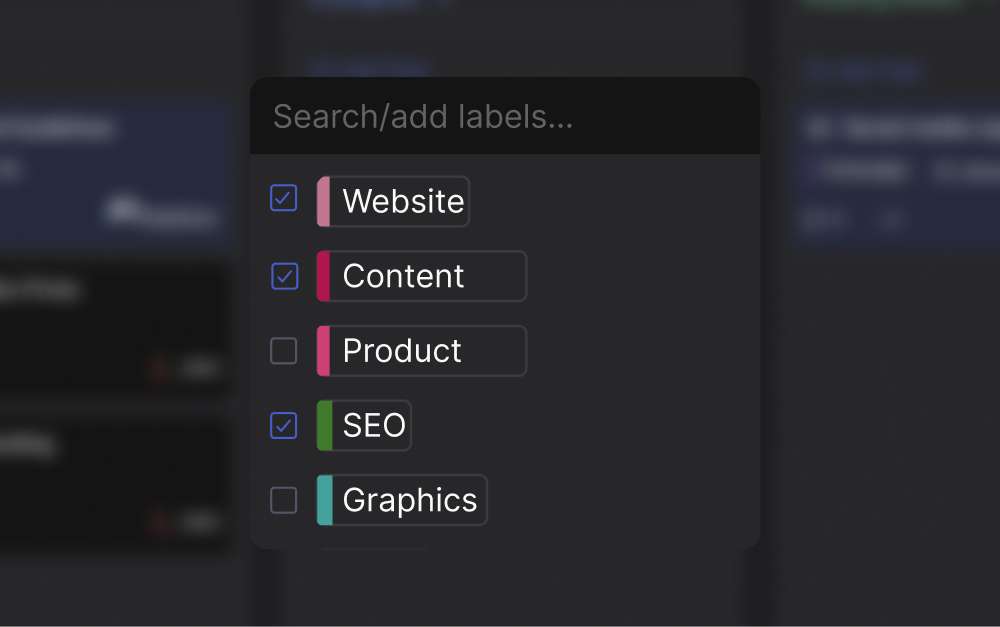
- Update labels, owners, and notes5 min Tag items by status (ready, needs detail, blocked), assign initial owners where obvious, and log any decisions in a place the absent team members can find later.
What we do at Rock
For agency teams running 4 to 8 client backlogs in parallel, the single-product refinement template breaks down. You cannot hold a 60-minute session per backlog every week. That is 6 hours of meetings plus prep, and most agency teams do not have that capacity.
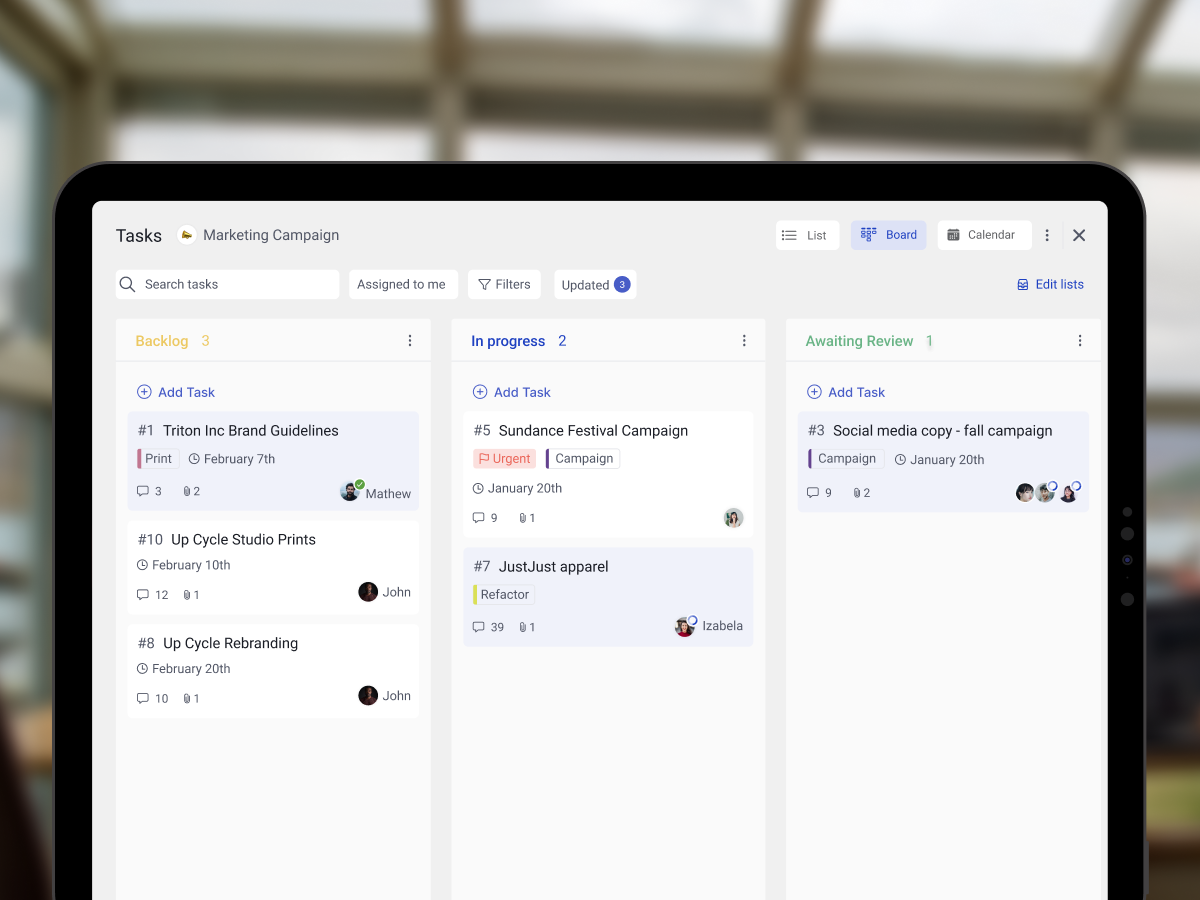
We use a hybrid model that fits this constraint. Each client space in Rock has its own task board with a Backlog list. The account lead writes proposed items into the backlog as work comes in, with a short description and one or two acceptance criteria.
Once a week, a short async refinement runs in the space's main chat. The account lead drops the top 5 items in a Topic. The team responds with size estimates and clarifying questions during the day, and the product owner confirms the order before the weekly sync. A 15-minute live session at the end of the week handles anything that needs real discussion.
This pattern matters for our ICP. A 12-person agency with 6 retainer clients does not have spare capacity for six weekly hour-long sessions. Async refinement plus a short sync gets the same outcome at a fraction of the meeting load.
Labels are what make it scannable. Every backlog item carries a status tag (ready, needs detail, blocked, deferred), so anyone reviewing the task board can see at a glance what is sprint-ready. Teams that prefer a pull-based flow over fixed sprints can run the same setup as a Scrumban board, where refinement is continuous rather than a weekly ceremony. Once items are refined, the next step is the sprint backlog, which is where the team commits to a specific set for the next cycle.
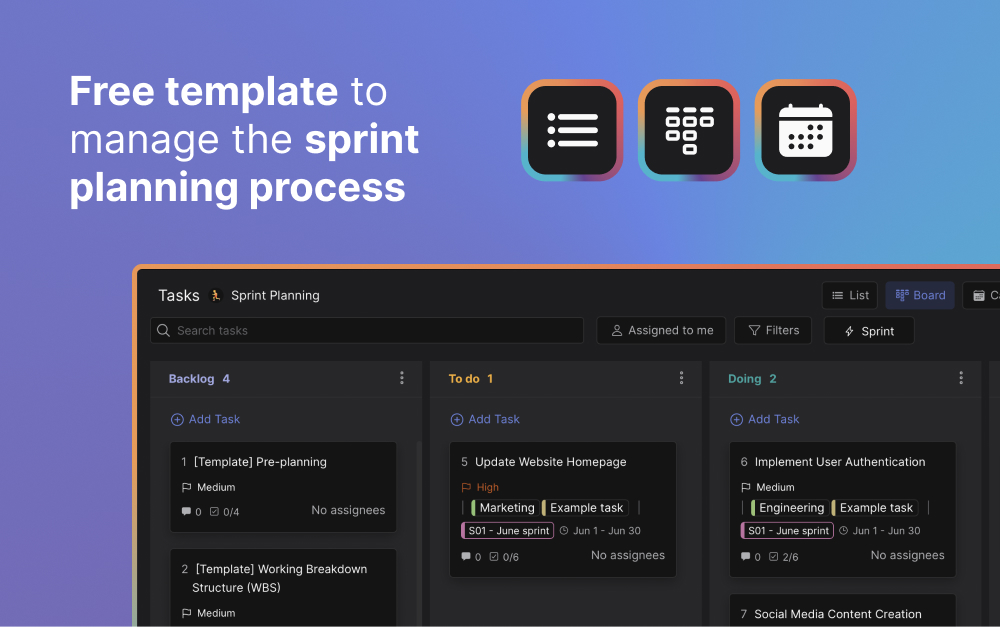
Free resource: the Agile Sprint Planning template sets up backlog, sprint, and review columns ready to use.
Common pitfalls to avoid
Most refinement sessions fail in predictable ways. The session creeps from forward-looking to status-checking. The product owner walks in cold. The team estimates items that will not enter a sprint for months while items two weeks out stay vague. These are recurring patterns, not unlucky weeks.
- Treating it as a status meeting Refinement is forward-looking. If the conversation drifts into "what did you finish yesterday," you have accidentally turned it into a second daily standup. The product owner has to redirect every time. The output is a sprint-ready set of items, not a status report.
- No prep from the product owner If the team sees stories for the first time in the session, you spend 25 minutes reading and 5 minutes refining. Send a short agenda 24 hours ahead with the items that will be discussed. Anyone who reviews them in advance returns the time tenfold to the rest of the team.
- Estimating every story to the same depth A user story scheduled for next sprint needs acceptance criteria, an estimate, and a clear owner. A story six sprints out only needs a title and a one-line summary. Detail belongs at the top of the backlog, not the bottom. The DEEP "Detailed appropriately" criterion exists for this reason.
- Skipping it during a busy sprint "We are too slammed to refine this week" is the start of a death spiral. The next sprint planning runs long, items get pulled in half-ready, the team finishes less, and the following refinement has more to catch up on. Treat the 60-minute slot as fixed even when capacity is tight.
- Inviting the whole team to every session Five to nine people is the working size. More than that and the discussion becomes a roundtable where nobody owns the next move. Invite specialists for the items where their input matters, then let them drop off. Smaller, focused sessions produce a more refined backlog than crowded ones.
- Refining without ranking A backlog where every item is "high priority" is not prioritized. Force a top 10 ordered list at the end of every session, using MoSCoW or value vs effort. Without a rank, sprint planning starts with a debate about which item comes first, and you lose 30 minutes you did not budget for.
"Don't underestimate the importance of product backlog refinement. It's a critical activity that contributes to the success of your product." - Roman Pichler, Pichler Consulting
How often should you groom your backlog
Weekly is the most common cadence for two-week sprints. The Scrum Guide caps refinement at 10 percent of team capacity. That works out to roughly one 60-minute session per week plus a few hours of prep from the product owner. For teams running one-month sprints, bi-weekly is more efficient than weekly.
A few cases call for a different rhythm. Teams on one-week sprint cycles often run twice-weekly refinement, since the backlog turns over faster. Distributed teams across multiple time zones often run async refinement augmented by a 15-minute sync. The product owner posts updates in a chat thread and the team responds during the day. Agency teams running several client backlogs in parallel follow the same pattern.
What does not work is no cadence. If refinement only happens when sprint planning is two days away, it is too late. The session is rushed, items get pulled in half-ready, and the team finishes less than it could have. Whether you run Kanban or Scrum, the same rule applies: continuous refinement beats panic refinement every time.
Prioritization methods that work inside refinement
The P in DEEP is the letter teams get wrong most often. A backlog where every item is tagged "high priority" is not prioritized. Force a top 10 ordered list at the end of every session, and use a method that actually ranks items.
Three methods do the job. The MoSCoW method sorts items into Must, Should, Could, and Won't have. The Eisenhower matrix ranks by urgency versus importance and works well when client deadlines compete with internal work. Value versus effort is the simplest: score each item on business value and engineering effort, then pick the high-value, low-effort items first. The method matters less than the discipline of forcing a single ranked order.
If your team is unsure how to start, the deeper guide on how to prioritize tasks covers the trade-offs. The point of doing this inside refinement is simple. The team is already there, the context is fresh, and the order ships to sprint planning instead of being argued over again.
Frequently asked questions
Is backlog grooming the same as backlog refinement?
Yes. The Scrum Guide replaced "grooming" with "refinement" in 2013. The activity did not change. Most teams still use both terms in conversation, and the search volume on "backlog grooming" stays high. Use whichever your team prefers; just do not let the word debate replace the actual work.
How is backlog grooming different from sprint planning?
Grooming is ongoing and prepares the backlog. Sprint planning is a single ceremony at the start of a sprint where the team commits to a specific set of items. If refinement is done well, sprint planning is short because the work is already ready. If refinement is skipped, sprint planning balloons into a multi-hour debate.
Who runs a backlog grooming session?
The product owner leads, since they own the priority order and the business context. The scrum master facilitates so the meeting stays time-boxed. Developers, QA, and designers contribute estimates and clarifying questions. Five to nine people total is the working size.
How long should a backlog grooming session be?
60 minutes is the practical default for a two-week sprint cadence. The Scrum Guide recommends refinement take no more than 10 percent of the team capacity overall, which works out to about one 60-minute session per week for most teams. Run shorter, more frequent sessions if your backlog is volatile.
Do you need Jira to do backlog grooming?
No. Any tool where the backlog lives, everyone can access it, and items can be ranked works. Jira is common in engineering teams; a kanban-style task board, a shared sheet, or any project management tool works for smaller teams. The tool matters less than the discipline of running refinement weekly.
How often should we groom the backlog?
Weekly is the most common cadence for two-week sprints. Bi-weekly works for one-month sprints. Some teams run continuous, async refinement instead of a single session, where the product owner posts updates in a chat thread and the team responds during the day. That model fits distributed teams with overlapping time zones.
Backlog grooming is the small weekly discipline that protects every sprint after it. Rock combines chat, tasks, and notes in one workspace. One flat price, unlimited users. Get started for free.





