10 Best Project Management Software for Agencies in 2026
Running an agency in 2026 means juggling multiple clients, deadlines, and deliverables. Without the right systems, things can get complicated fast. The right project management software for agencies can change that. The tool is one layer of a broader marketing operations system; choosing it before defining the operating model is where most stack purchases go wrong.
A good tool helps you stay connected with clients and handle revisions smoothly. It brings structure to projects so everyone knows what to expect and when. It also builds accountability across your team.
According to Harvard Business Review, strong project leadership starts with clear systems and communication. Agencies that invest in the right tools see better results and happier clients. For client-facing portal options, see our best client portal software guide.
In this guide, we compare 10 tools that agencies use today. Each one brings something different to the table. We break down features, pricing, and what works best for different setups.
Here is something I keep bumping into as an operator across several companies. I am not sure per-user pricing still makes sense in 2026. Should every client pay extra just to add me to their tool? The usual workarounds are worse: drop back to email, or make everyone join your own systems. For agency work it is cleaner when the people and the work sit in one place at a flat price. Then you plug someone in based on the job, without the bill jumping each time.
What Makes Great Agency Software?
Before diving into the list, it helps to know what matters most. Not every tool fits the unique needs of agency owners.
Agencies need tools that work for both their team and their clients. If your client cannot figure out the tool, they default back to email and texts, and your workflow falls apart.
Here are a few things to consider:
- Client access: Can you invite clients without a tricky setup?
- Built-in communication: Does the tool support direct messaging or just tasks?
- Pricing model: Does per-user pricing get costly as your team grows?
- Learning curve: How fast can your team and clients get started?
- Templates: Can you set up standard workflows across clients?
With these in mind, let us look at the top picks for agency project management software in 2026.
1. Rock
Best for: Agencies that need chat and tasks in one place
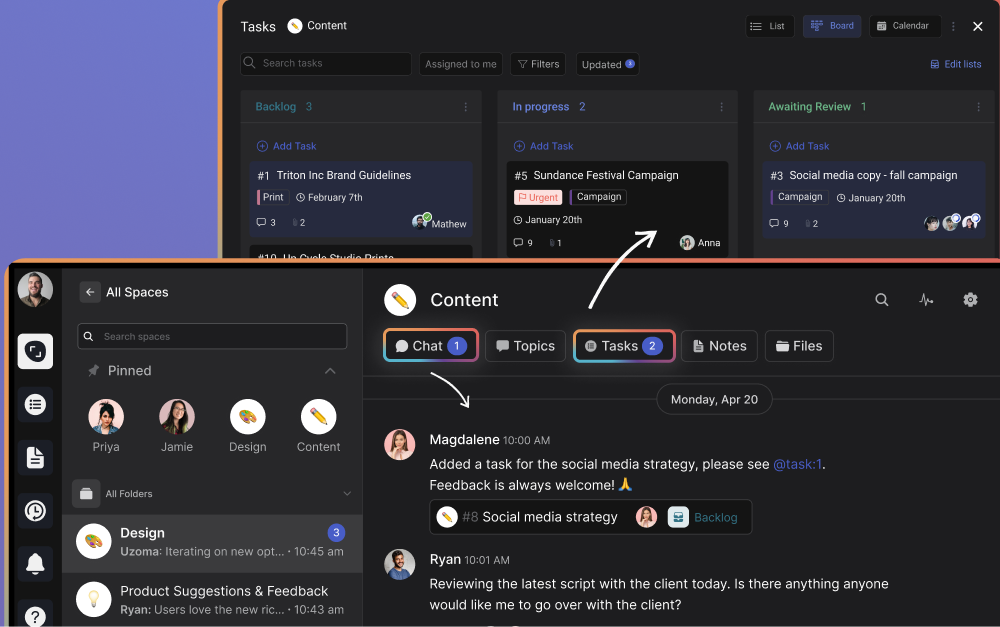
Rock takes a chat-first approach to project management. It combines messaging, tasks, notes, and files in one workspace. This makes it easy to talk with clients and track deliverables side by side.
For agencies, Rock stands out because of its workflow templates. You can set up repeatable processes for onboarding, content production, or design sprints. This keeps work consistent and saves your team time on every new project.
One major advantage is its flat pricing. Rock charges one fixed price rather than per user. This means you can invite unlimited clients and team members without extra costs.
Old client portals stay open for future work. You can pick up where you left off with any client as if nothing changed. This alone makes it a top agency management software choice.
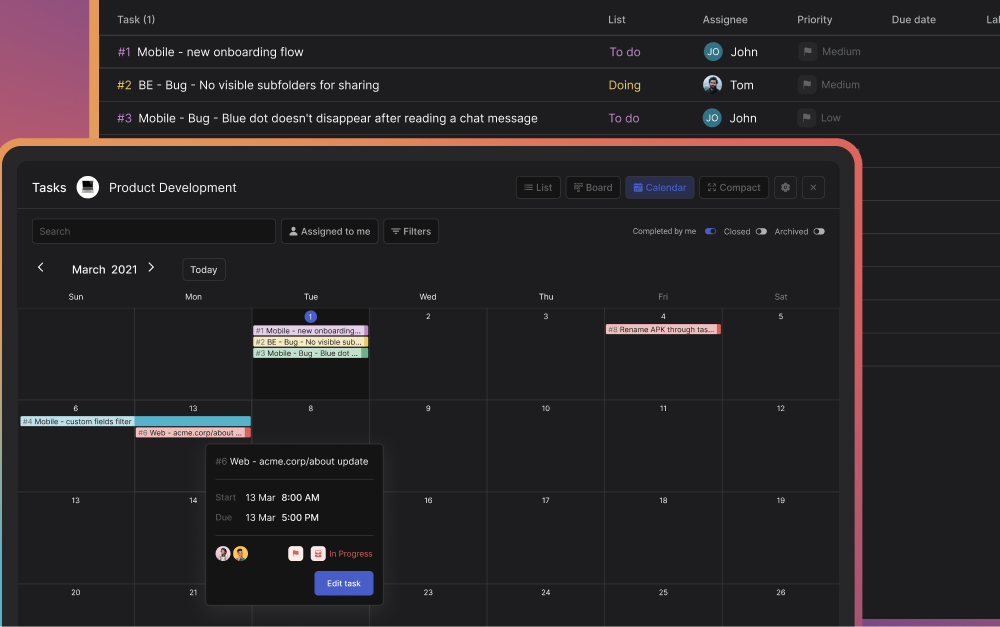
Key features:
- Built-in chat, tasks, notes, and file sharing
- Task board with list and board views
- Workflow templates for repeatable processes
- Flat pricing with unlimited users
- Simple enough for clients to use right away
Many creative, marketing, and development agencies use Rock. Its simple design means clients do not need training before they start. As a work management software for agencies, it strikes the right balance between features and ease of use.
“Everybody is different and Rock gives those options to find a way that works best for your specific case. Especially if you are a creative agency, you don’t want to make a burden for yourself by over organizing and that’s okay! Rock gives you the tools to do it in an easy and not overloaded way.” Maximilian Helldörfer Founder and Creative Director at New Aesthetics
2. Notion
Best for: Agencies that focus on documentation and async work

Notion offers a flexible workspace with pages, databases, and wikis. Teams can shape these however they like. For agencies, it works well as a knowledge base and project hub.
The downside is that Notion does not include direct chat. You cannot message a client within the platform. All real-time talks must happen through a separate tool, which adds friction.
Notion also comes with a steep learning curve. New users often struggle with its open-ended layout. Per-user pricing can add up fast for growing teams that want to bring clients in.
Key features:
- Flexible pages and databases
- Wiki and documentation tools
- Templates for project setups
- Integrations with third-party apps
If your agency relies on asynchronous work, Notion can be a solid pick. Just be ready to pair it with a messaging tool for live conversations.
3. Asana
Best for: Agencies with strong project tracking needs
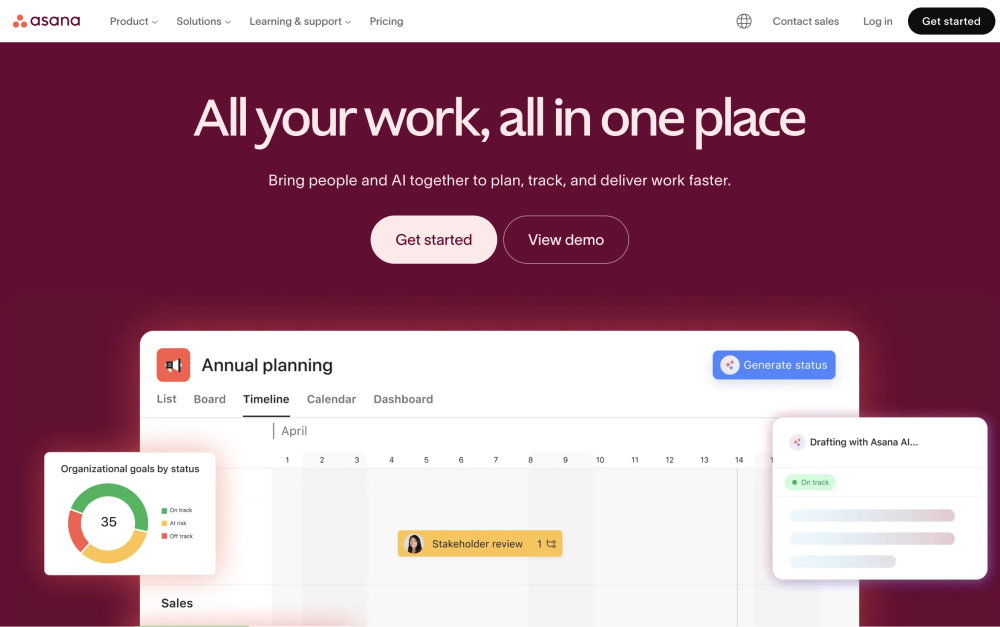
Asana is a well-known agency project management tool with robust task tracking. It offers timeline views, project milestones, and custom fields. These features help teams manage complex projects with many moving parts.
However, Asana is not chat-first. Communication happens through task comments and status updates. This can confuse clients who expect a messaging experience similar to what they use every day.
The learning curve can also be a barrier for clients. Some find the interface overwhelming at first. Per-user pricing adds another concern for agencies that want to include clients in their workspace.
Key features:
- Timeline and board views
- Project milestones and goals
- Custom fields and automations
- Reporting dashboards
Asana works best for agencies with strong project management frameworks already in place. It is a solid task management software for agencies that can invest time in setup.
4. Monday.com
Best for: Agencies that want visual project tracking
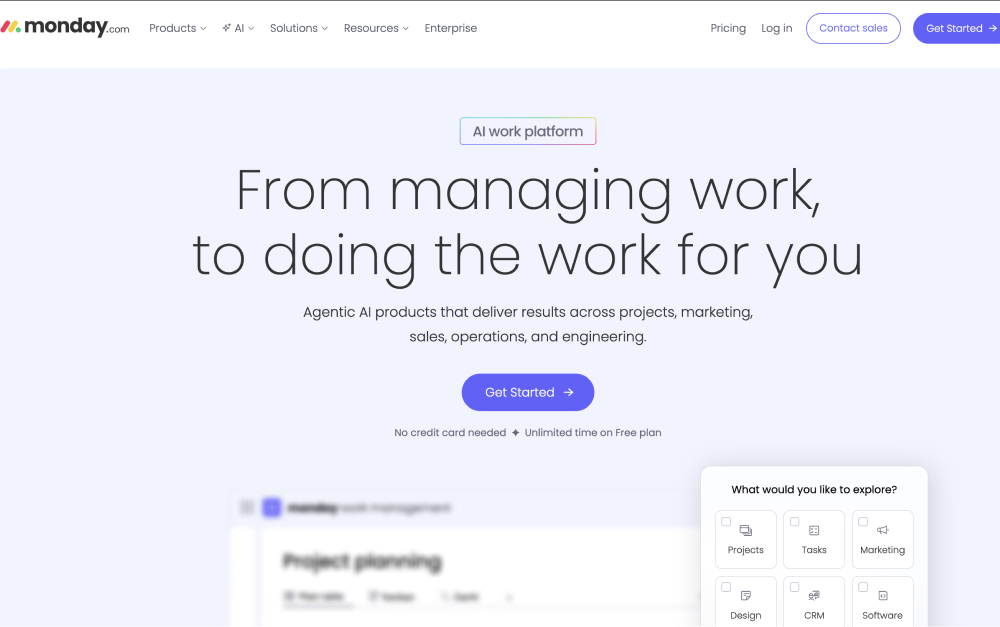
Monday.com offers colorful boards and dashboards for tracking work. It is popular for its visual approach to managing projects. Teams can build custom workflows and automate routine tasks.
Like Asana, it is not built around direct messaging. Client communication stays within task updates and comments. This means agencies still need a separate tool for ongoing conversations.
Pricing follows a per-user model that can grow quickly. As your agency adds client seats, costs rise fast. The platform also offers many features, which can make the initial setup feel heavy.
Key features:
- Visual boards and dashboards
- Workflow automations
- Time tracking features
- Multiple view options
Monday.com suits agencies that want a visual project tracking software for agencies. It helps with planning but may need support from other tools for client communication.
5. ClickUp
Best for: Teams that want deep customization
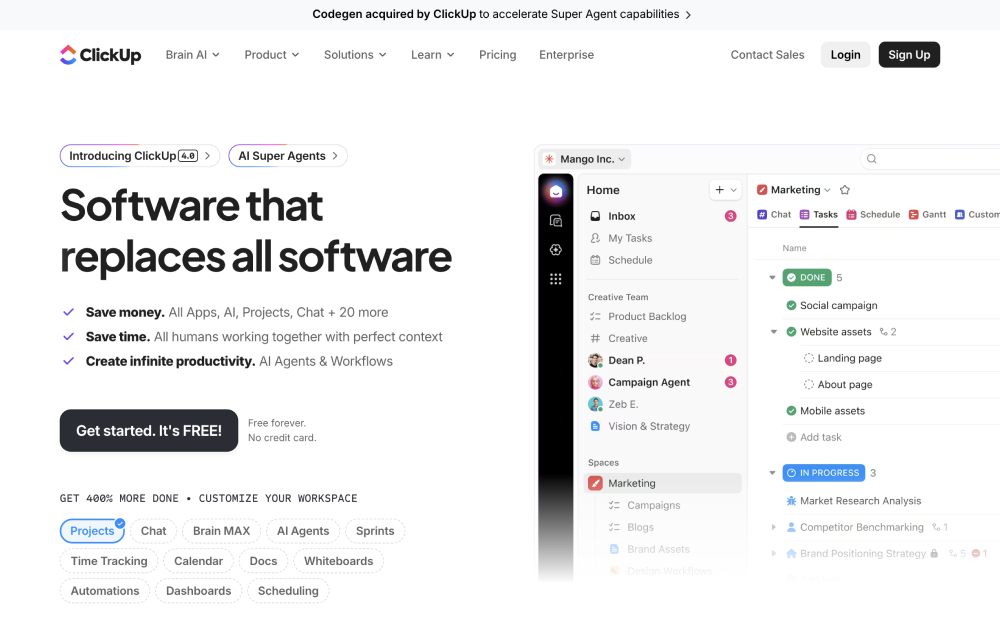
ClickUp offers a wide range of features for managing work. It covers tasks, docs, goals, and even team messaging. The platform tries to be an all-in-one solution for agencies.
The challenge is its learning curve. ClickUp's depth makes it powerful but also complex. Clients who are not familiar with the platform often find it overwhelming and hard to navigate.
Per-user pricing also affects agencies that want to add external collaborators. For teams looking for a simple project management software for agencies, the feature overload might work against them.
Key features:
- Tasks, docs, and goals in one tool
- Custom views and automations
- Team messaging
- Integrations with common tools
ClickUp works well for technically minded agencies with internal power users. It is less suited for client-facing setups where ease of use matters most.
6. Basecamp
Best for: Teams that value simplicity and flat pricing

Basecamp is a veteran in the project management space. It offers messaging, to-do lists, file sharing, and scheduling. The tool has a clean, simple interface that most people pick up fast.
Basecamp also uses flat pricing, similar to Rock. However, its price point sits quite a bit higher. Small teams may also face per-user costs under certain plans.
The tool focuses on team collaboration rather than detailed task management. For the broader collaboration software category, see our best collaboration software guide. Agencies that need Gantt charts or advanced reporting may find it lacking. But for basic agency workflow management software needs, it gets the job done.
Key features:
- Message boards and campfires
- To-do lists and scheduling
- File storage and sharing
- Client access on projects
Basecamp is a good fit for agencies that prefer a straightforward, no-frills tool. It handles communication well but lacks the depth of full project management software tools.
7. Discord
Best for: Live team discussions

Discord started as a gaming platform but now serves many professional teams too. It offers voice channels, text chat, and screen sharing. Some agencies use it for internal communication and quick syncs.
The main issue is professionalism. Client-facing communication through Discord can feel informal. The platform also does not include task tracking or project milestones of any kind.
For agencies, Discord works as a side tool for team bonding or quick chats. It is not a full agency management software solution on its own.
Key features:
- Voice and video channels
- Text-based chat rooms
- Screen sharing
- Community management tools
If your team already uses Discord for internal talk, it can stay as a supplement. But do not rely on it as your main project management tool for agencies.
8. Slack
Best for: Fast-paced team messaging
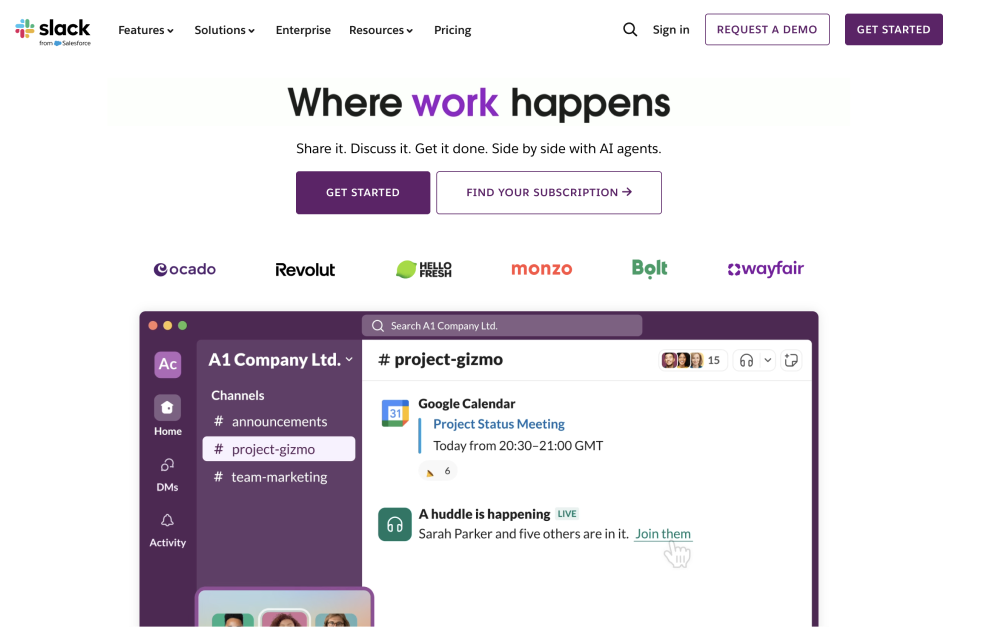
Slack is the go-to for many teams when it comes to instant messaging. It offers channels, direct messages, and integrations with hundreds of apps. Communication speed is its biggest strength.
However, Slack focuses only on messaging. It does not offer built-in task management, notes, or file organization. You need to pair it with other tools to cover the full workflow.
Per-user pricing makes it costly for agencies with many team members and clients. Over time, conversations also get buried, which makes it hard to find past decisions. For alternatives, check out this list of team messaging tools.
Key features:
- Channels and direct messaging
- Hundreds of integrations
- Workflow automations
- Search across messages
Slack suits agencies that already use it and pair it with a separate project tracking tool. On its own, it lacks the structure agencies need for full project delivery.
9. WhatsApp
Best for: Quick client check-ins
WhatsApp is familiar to most people around the world. Many agency owners use it for informal client communication. It is free and works across devices without any setup.
The problem is that nobody built WhatsApp for project work. There is no task tracking, no file organization, and limited message history on new devices. The casual nature of the app can also feel less professional.
Another issue is regional reach. Some clients in the US or France prefer iMessage or other apps. This creates friction when working with clients abroad. As an agency project management software, it falls short.
Key features:
- Free messaging and calls
- Group chats
- File sharing
- End-to-end encryption
WhatsApp works for quick updates. But it should not replace a proper project management template and structured workflow.
10. Trello
Best for: Simple task boards for small projects
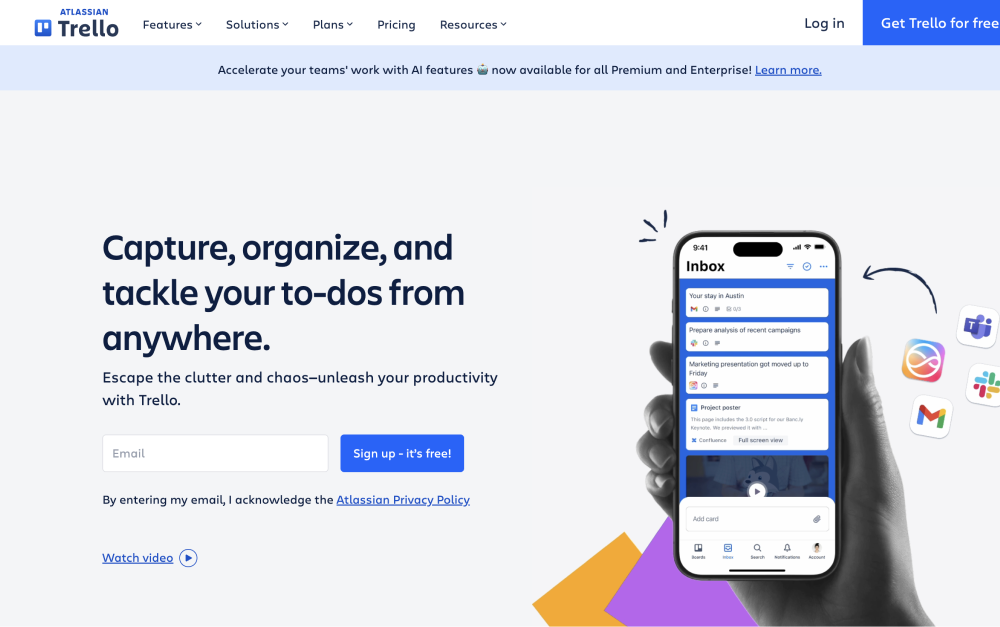
Trello uses a Kanban board approach to task management. Cards move across columns as work progresses. It is visual and easy to understand at a glance.
Trello focuses more on individual work than agency setups with multiple clients. For agencies managing several accounts, the board-only format can feel limiting. Complex projects often need more structure than Trello provides.
Trello is part of the Atlassian family, which also offers Jira for advanced work. Jira provides deeper features but can feel overly technical for agency owners. Neither tool is built with client collaboration in mind.
Key features:
- Kanban board layout
- Card-based task tracking
- Power-ups for extra features
- Simple drag-and-drop interface
Trello suits small agencies or simple projects with few moving parts. For full project plan templates and client management, look for a more complete tool.
How to Choose the Right Tool
Picking the right tool depends on your agency's priorities. Here are a few questions to guide your decision:
- Do you need built-in messaging for client communication?
- Does per-user pricing fit your growth plans?
- How tech-savvy are your clients?
- Do you need templates to set up standard workflows?
According to Forbes, the right project management tool can improve productivity across your entire team. A 2025 PMI report also found that structured project management reduces waste and boosts delivery rates. The key is matching the tool to how your agency works, not the other way around.
Conclusion
Rock stands out as one of the best project management software for agencies in 2026. It combines chat, tasks, notes, and files in one simple workspace. The flat pricing model lets you invite unlimited clients without worrying about per-seat costs.
The other tools on this list each serve a purpose. Notion works for async-heavy teams. Asana and Monday.com suit structured project management needs. Basecamp keeps things simple with basic features.
But for a complete agency project management tool, you want everything in one place. Rock's chat-first design makes it easy enough for clients to use from day one. No steep learning curves, no extra tools, just one workspace for your whole agency.
__________________________________________________
Looking for a simple project management software for agencies? Rock brings chat, tasks, notes, and files together at one flat price. Set up your workspace and invite your first client today.