

Sprint Backlog: Definition, Examples, and How It Differs from the Product Backlog
Most teams that miss sprint commits do not have a delivery problem. They have a sprint backlog problem. The work pulled in was not refined, the goal was vague, and there was no plan for how to deliver it. By Wednesday of week two, the team is rebuilding the plan in real time and dropping items.
A sprint backlog fixes this. It is the small, locked set of work the team commits to in one sprint, plus the goal that decides what stays and the plan for delivery.
This guide covers what goes inside a sprint backlog and how it differs from the product backlog. It walks through who actually owns it, a working example, and the pitfalls that quietly turn it back into a wishlist.
Try a sprint backlog
Two stories sit in the Backlog. Drag them through Doing to Done as the team commits and ships, or add a story of your own.
Drag cards between columns or click + to add a story
Tap a card, then tap a column header
Quick answer: what a sprint backlog is
A sprint backlog is the set of work a Scrum team commits to deliver in a single sprint, plus a plan for how. The Scrum Guide names three required parts. A sprint goal that anchors the work, the items pulled from the product backlog, and a delivery plan. It is built at sprint planning, owned by the Developers, and locked once the sprint begins.

A sprint board your team will actually use.
Rock pairs a kanban board with chat and notes in one space. One flat price, unlimited users, no per-seat scaling.
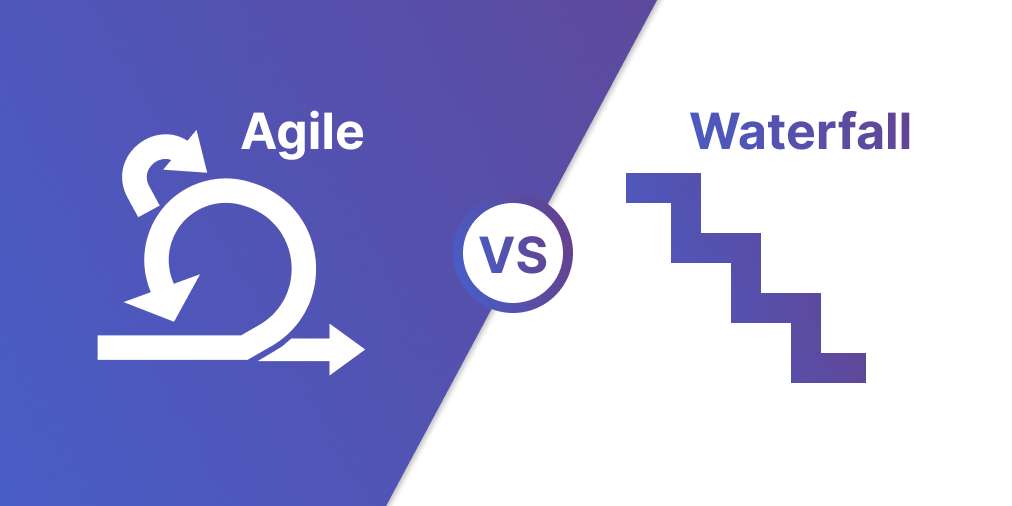
Sprint backlog vs product backlog
The two terms get used interchangeably, especially in early-stage teams. They are not the same artifact. The product backlog is the full ordered list of everything that might enter the product, kept clear and ranked through ongoing backlog grooming. The sprint backlog is the small, locked subset committed to a single sprint.
If your team only has one of them, it is probably the product backlog, and sprint planning is therefore unstable. The sprint backlog is the part that protects the team from scope changes for two weeks at a time.
| Dimension | Sprint backlog | Product backlog |
|---|---|---|
| What it is | The set of items the team commits to deliver in a single sprint, plus a plan for how. | The full ordered list of everything that might enter the product, ever. |
| Time horizon | One sprint (1 to 4 weeks). | Open-ended. Months or years out. |
| Who owns it | The Developers (per the Scrum Guide). The product owner cannot push items in mid-sprint. | The product owner. They decide what enters and the order. |
| Stability | Locked at sprint planning. Only the team can adjust scope inside the sprint. | Always changing. New ideas come in, old ones get dropped, priority shifts. |
| Required parts | A sprint goal, the items pulled in, and a delivery plan with tasks. | Items at varying levels of detail. Top items refined, bottom items rough. |
| Created at | Sprint planning, every sprint. | Once, then groomed continuously. |
"The Sprint Backlog is a plan by and for the Developers. It is a highly visible, real-time picture of the work that the Developers plan to accomplish during the Sprint." - Ken Schwaber and Jeff Sutherland, Scrum Guide 2020
What goes inside a sprint backlog
A sprint backlog is more structured than most teams realize. It is not a list of stories. It is a goal, a selection, and a plan, with acceptance criteria and owners attached.
If any of these parts are missing, the sprint backlog is incomplete and the sprint is at risk. Most failed sprints can be traced back to one of these gaps.
| Component | What it is | Example |
|---|---|---|
| Sprint goal | One sentence describing what the sprint is meant to achieve. The single anchor that decides what stays and what gets cut. | "Ship the new client onboarding form so account managers can stop sending PDFs." |
| Selected items | The user stories pulled from the product backlog that fit the sprint goal and team capacity. | 5 to 10 stories, each estimated, each tied to the goal. |
| Acceptance criteria | Per-item conditions that define "done." Without these, the team finishes work that the product owner sends back. | "Form validates email, captures name and company, sends a confirmation, logs to the CRM." |
| Decomposed tasks | The sub-steps the team will run for each story. Often added in sprint planning, not before. | Build form schema, write validation, wire to CRM, write copy, QA on mobile. |
| Owner per item | One named person responsible for each story. Two assignees on a single story is a planning smell. | Alex on the form schema, Priya on the CRM integration. |
| Capacity check | The total estimated effort fits within the team's known velocity for one sprint, with a small buffer. | Team velocity 28 points; sprint commits to 24. |
How to build a sprint backlog in 5 steps
The build happens at sprint planning, in one session. The order matters. Goal first, then selection, then estimation, then decomposition, then commit.
Skipping a step rarely works. Teams that estimate before agreeing on the goal end up sizing items they later cut. Teams that commit without decomposing into tasks end up rediscovering scope mid-sprint.
- Confirm the sprint goal first Before any items get pulled in, the product owner names the goal in one sentence. "Ship the onboarding form so account managers can stop emailing PDFs." If the team cannot agree on one sentence, the goal is not ready and the rest of planning is guesswork.
- Pull from a refined product backlog Only items that meet the team's definition of ready are eligible. Refined items have acceptance criteria, an estimate (story points for committed items, a t-shirt size for items still being refined), and a clear owner. If the top of the backlog is not refined, sprint planning turns into backlog grooming in disguise and the sprint commit gets pushed out an hour.
- Estimate against real capacity Look at the last three sprints. Use the average completed effort as the ceiling, then commit to about 80 percent of it to leave room for the unknown work that always shows up. A team with a velocity of 28 points commits to 22 to 24, not 30.
- Decompose items into tasks Each item gets broken into the sub-steps the team will actually do. "Build the form schema, write validation, wire to CRM, QA on mobile." Tasks are how the sprint backlog turns from a list of promises into a working plan.
- Lock the commit and walk away Once the sprint backlog is set, the product owner cannot push items in mid-sprint. The team owns it. New ideas go to the product backlog and wait for the next planning cycle. This is the rule that protects the sprint from the chaos around it.
Who owns the sprint backlog
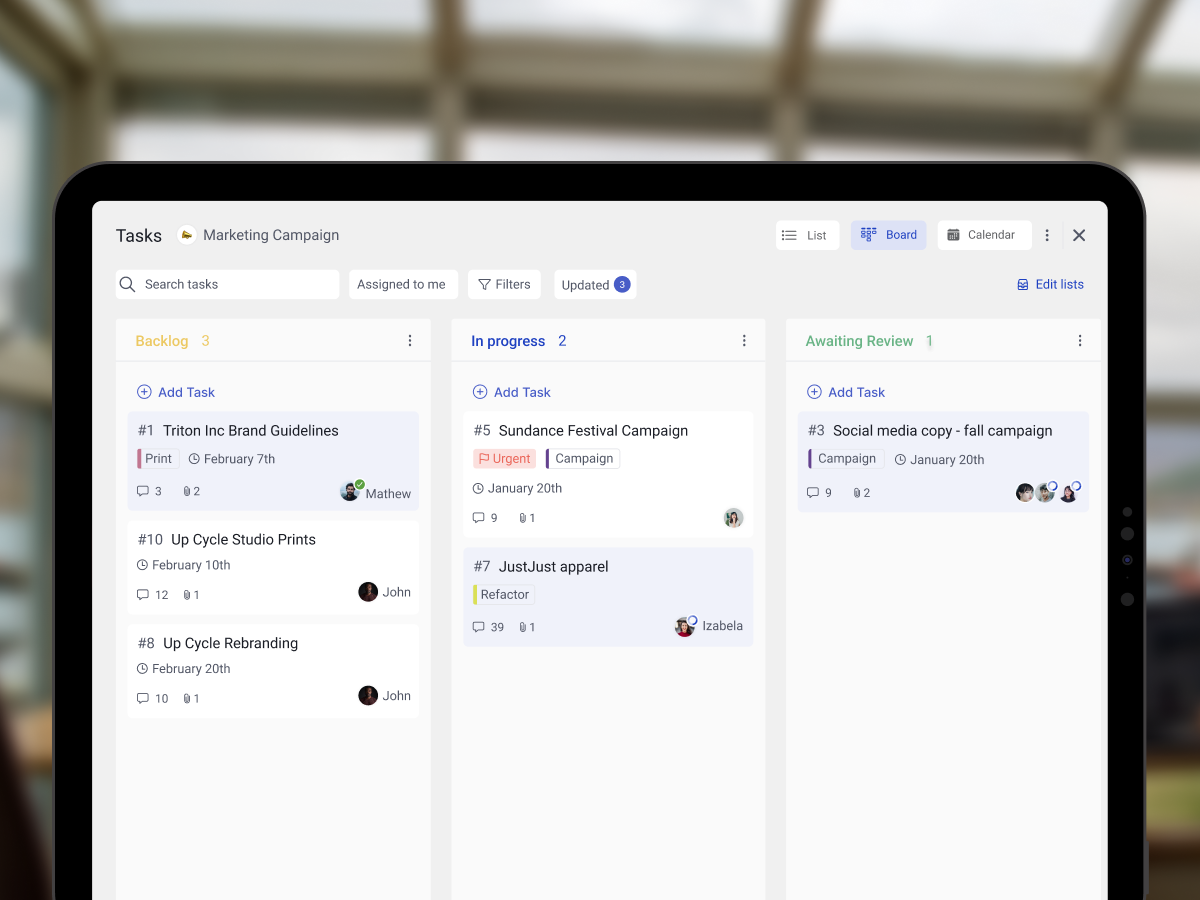
The sprint backlog belongs to the Developers. This is one of the most cited lines in the Scrum Guide, and it shows up almost word-for-word on the Professional Scrum Master exam. The product owner cannot push items into the sprint backlog mid-sprint, and the scrum master does not own the work.
What the product owner does own is priority. They decide what enters the product backlog and the order. Once an item moves into the sprint backlog at planning, scope inside that item is the team's call. The scrum master facilitates, removes blockers, and protects the sprint from interruption.
This split exists for a reason. If the product owner could push items in mid-sprint, every sprint becomes a wishlist negotiation, the team never finishes anything, and velocity collapses. The hard line on ownership is what makes Scrum work.

"Scrum's iterative, incremental approach trades the certainty of a fixed plan for the flexibility of a Sprint at a time." - Mike Cohn, Mountain Goat Software
A sprint backlog example
Take an agency team running a two-week sprint to ship a client onboarding form. Velocity is 24 story points. The product owner brings a refined backlog with 12 ready items. Sprint planning produces this commit.
Sprint goal: Ship the client onboarding form so account managers can stop emailing PDFs.
Items selected (5 total, 22 points):
Form schema and validation (5 pts, owner Alex). Acceptance: collects name, company, email, project type. Email field validates. Form rejects empty required fields.
CRM integration (8 pts, owner Priya). Acceptance: form submission creates a new contact in HubSpot with tags. Failed submissions log to Sentry.
Confirmation email (3 pts, owner Alex). Acceptance: client gets a branded confirmation within 30 seconds. Internal Slack notification fires to the account team.
Mobile QA (3 pts, owner Sam). Acceptance: form works on iOS Safari, Android Chrome, and the in-app webview. No layout breaks at 320px width.
Copy review and launch (3 pts, owner Mia). Acceptance: client reviewed and approved copy. Form swapped into production homepage. Old PDF download link redirects.
Two points of buffer are left on the table. That is intentional. The first unplanned support ticket will eat them, and the team will still ship the goal.
What we do at Rock
For agency teams running multiple client sprints in parallel, the textbook sprint backlog template needs adjustment. A 12-person agency with 6 retainer clients does not run six identical sprints. It runs one rolling sprint per client, often with overlapping team members.
We use a per-client task board with three columns: Backlog, Doing, Done. The sprint goal sits pinned at the top of the space as a Note.
Items selected for the current sprint carry a "this sprint" label so they pop visually on the board. The same Developer might have 3 items in the Acme client space and 2 items in the BetaCo client space, all marked "this sprint" with the same end date.
Async refinement runs in the space chat. Acceptance criteria get sharpened in Topic threads, not in 60-minute meetings. The product owner confirms the sprint commit on a Monday, the team owns it for the sprint length, and only negotiated swaps move items mid-sprint.
This pattern works because of one thing: the sprint backlog stays locked. Without the lock, everything else falls apart. Flat pricing on Rock means the same Developer joins all 6 client spaces without per-seat costs scaling. That is what makes the task board pattern viable for small agencies.

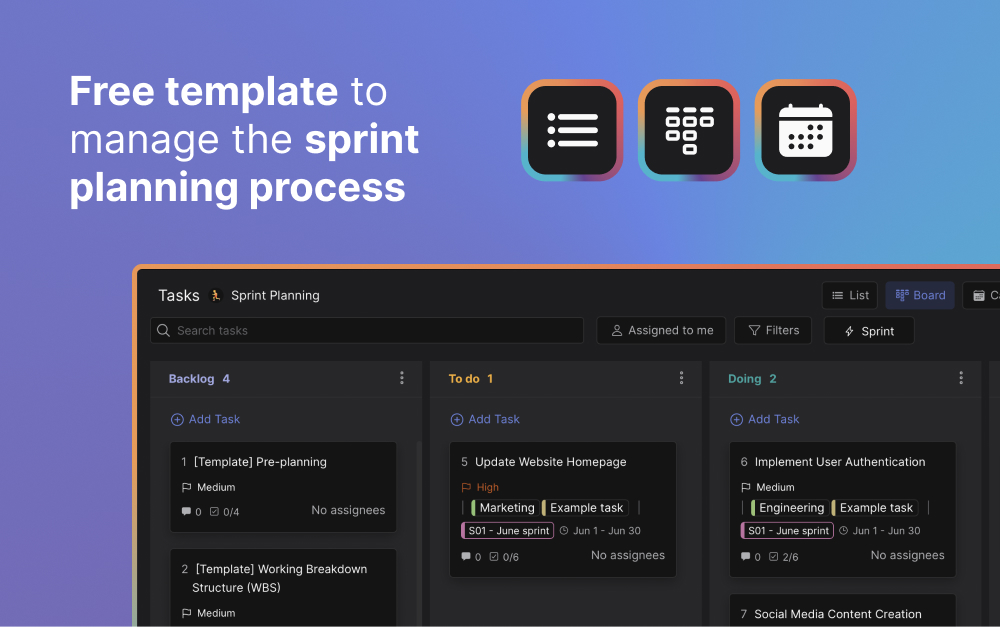
Free resource: the Agile Sprint Planning template ships a Backlog, sprint, and review board ready to use.
Multi-client sprints, no per-seat math.
Flat $89/mo for unlimited users. Every Developer joins every client space without scaling costs.
Common pitfalls to avoid
Most sprint backlogs fail in predictable ways. The team commits to too much, the goal stays vague, the product owner adds items mid-sprint, items carry over every cycle. These are recurring patterns, not unlucky weeks.
- No sprint goal A sprint backlog without a goal is a checklist. The team finishes the items but cannot say what the sprint achieved. The Scrum Guide treats the sprint goal as a required part for a reason. Refuse to commit until it exists in one sentence.
- Treating it as a wishlist Items that are not refined have no business in the sprint backlog. They will need clarification mid-sprint, push the team into rework, and either get cut at review or carried over. Pull only from items that meet the team's definition of ready.
- Overcommitting on capacity Most teams stuff the sprint backlog at 100 percent of their last sprint's velocity. Real capacity is lower because of meetings, support work, and the unplanned items every sprint surfaces. Commit to 75 to 85 percent and leave the buffer.
- The product owner pushes items mid-sprint Once the sprint is locked, only the team can adjust scope. If the product owner needs something added, they negotiate a swap with the team and remove an equivalent item. Otherwise the sprint quietly becomes a wishlist again and velocity collapses.
- No task breakdown A story sitting at "build onboarding form" is not a sprint backlog item. It is a placeholder. The team does not know who picks it up first or what "done" looks like at the task level. Decompose during planning, not during the sprint.
- Carrying items over every sprint If two or three items roll over every sprint, the team is consistently overcommitting and the sprint backlog has stopped meaning anything. Cut the commit until it actually finishes. The retrospective should surface this; if it does not, ask harder questions.
"A sprint goal is the secret sauce of a successful sprint. Without it, the team has a list of tasks but no shared focus." - Roman Pichler, Pichler Consulting

Frequently asked questions
What is a sprint backlog?
A sprint backlog is the set of work a Scrum team commits to deliver in a single sprint, along with a plan for how they will deliver it. The Scrum Guide names three required parts: a sprint goal, the items selected from the product backlog, and a delivery plan. It is created at sprint planning and locked once the sprint begins.
The sprint backlog belongs solely to whom?
The Developers. The Scrum Guide is explicit: "The Sprint Backlog is a plan by and for the Developers." The product owner can negotiate scope with the team, but cannot push items into the sprint backlog unilaterally once the sprint has started.
Who can execute the work of the sprint backlog?
Only the Developers (the team members who build the increment) execute the work. The product owner sets priority, the scrum master facilitates the process, but the work itself sits with the Developers. This is one of the most common Professional Scrum Master exam questions.
What is the difference between a sprint backlog and a product backlog?
The product backlog is the full ordered list of every item that might enter the product. It belongs to the product owner and changes constantly. The sprint backlog is a small subset, pulled in at sprint planning, owned by the Developers, and locked for the duration of the sprint.
Can the sprint backlog change during the sprint?
Yes, but only the Developers can change it. As the team learns more during the sprint, they can add tasks, split items, or remove work that no longer serves the sprint goal. What they cannot do is take on new items pushed in by the product owner. If a swap is needed, the team and product owner negotiate, and an equivalent item gets removed.
Is there a sprint backlog template?
A sprint backlog is more about structure than format. The minimum shape is a board with three columns (Backlog, Doing, Done), each item carrying a title, a size estimate, an owner, and acceptance criteria. The Rock Agile Sprint Planning template ships exactly that layout. Notion, Jira, and most task tools have similar boards built in.
How many items should be in a sprint backlog?
Whatever fits the team's velocity for one sprint, with a small buffer. For most 5-person teams running two-week sprints, that lands at 5 to 10 user stories. Fewer than 5 and the sprint goal is probably too narrow. More than 10 and items are likely too small or the team is overcommitting.
A clear sprint backlog is what separates a team that ships from a team that scrambles. Rock combines chat, tasks, and notes in one workspace. One flat price, unlimited users. Get started for free.





