

Product Development: The Process That Turns Ideas Into Revenue
Most New Products Fail. The Process Exists to Change That.
Between 80% and 95% of new products fail. That number has stayed remarkably stable for decades, across industries and company sizes. The natural question: why?
CB Insights analyzed 431 startups and found the number one reason for failure. It was not running out of money, getting outcompeted, or building something buggy. It was building something nobody needed. No product-market fit, at 43%.
The problem is rarely bad engineering. The problem is building the wrong thing. The right process reduces that risk. It forces you to validate before you build, test before you scale, and listen before you commit.
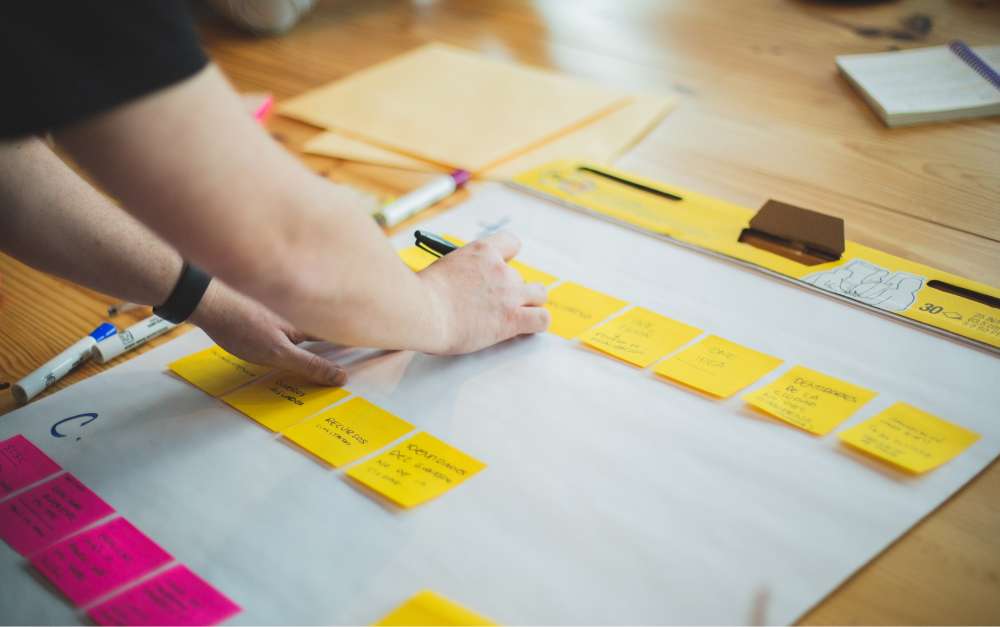
In 2026, AI tools have compressed how long each stage takes. But they have not changed which stages matter. If anything, the speed makes discipline more important. You can build the wrong thing faster than ever.
Product Development Framework Picker
Answer 5 questions to find the right development approach for your product.
What Product Development Actually Means
At its core, this is the full process of turning an idea into something people pay for. It covers everything from the first "what if" conversation to the moment a product reaches users. But that definition is too broad to be useful on its own.
The more practical distinction is between discovery and delivery. Discovery is figuring out what to build. Delivery is building it. Most teams spend 90% of their energy on delivery and skip discovery almost entirely.
"It doesn't matter how good your engineering team is if they are not given something worthwhile to build." - Marty Cagan, Partner, Silicon Valley Product Group
Cagan's point is blunt but accurate. A team that ships fast but ships the wrong thing is not productive. It is expensive. Discovery work, like user research, prototyping, and validation, is what separates products that succeed from products that just get built.
For agencies, this distinction matters even more. When you are building for a client, the brief is not the same as validated demand. The client may know their business, but they do not always know what their users need. Your job is to close that gap before delivery starts.
The 6 Stages of Product Development
Every framework uses slightly different labels. But at the core, the process follows six stages. Here is what each one looks like in practice, and how AI is changing it in 2026.
1. Identify the Need
This stage answers one question: is there a real problem worth solving? You are looking for patterns, not opinions. Customer complaints, market gaps, internal inefficiencies, or trends that create new demand.
The common mistake is starting with a solution. "We should build an app that does X" is not identifying a need. It is skipping straight to an answer. Good discovery starts with the problem, not the feature.
.jpeg)
How AI changes this stage: Tools like Claude and ChatGPT can brainstorm problem spaces, stress-test your assumptions, and generate product briefs in hours instead of days. You can feed an AI tool your customer support tickets or reviews and ask it to find patterns. That is genuinely useful.
The honest caveat: AI can organize data, but it cannot tell you what users actually feel. It reads text, not tone. It spots frequency, not frustration. You still need real conversations with real people. AI speeds up the analysis, not the empathy.
2. Validate the Opportunity
Identifying a need is not the same as proving there is a market for it. Validation means talking to potential users, running surveys, studying competitors, and looking at market size. The goal is to answer: will enough people pay for a solution to this problem?
This is where most teams cut corners. They ask their friends, survey their existing users, or look at competitors and assume demand exists. Real validation means talking to people who are not already in your bubble.
How AI changes this stage: AI can synthesize interview transcripts, survey results, and competitor research at a scale that was not practical before. You can feed it ten user interview recordings and get a thematic analysis in minutes. Tools like Dovetail and Notably use AI to tag and cluster qualitative research automatically.
The honest caveat: The bottleneck is no longer gathering data. It is asking the right questions. AI will happily synthesize bad research into confident-sounding summaries. If your interview questions lead the witness, AI amplifies that bias instead of catching it. The skill moves from "process the data" to "design the research."
3. Design the Concept
Once you have a validated problem, you design a solution. This is not about pixel-perfect mockups. It is about exploring how the product works, what the user experience feels like, and which features matter most for a first version.
Prototypes beat specifications. A clickable wireframe tells you more in 30 minutes of user testing than a 40-page requirements document. Keep the concept lightweight so you can change it cheaply.
How AI changes this stage: Figma AI generates layout suggestions from text prompts. Google Stitch turns descriptions into interactive prototypes. Non-designers can now produce usable wireframes that would have required a UX designer two years ago. The barrier to creating a testable concept has dropped significantly.
The honest caveat: AI gives you speed, not taste. It can generate a hundred layout options, but it cannot tell you which one communicates trust, or which flow reduces confusion. Design judgment, the ability to look at something and know it is wrong before users tell you, is still a human skill. Use AI to move faster through iterations, not to replace the thinking.
4. Build an MVP
The minimum viable product is the smallest version of your product that can test your core assumption with real users. It is not a prototype. It is a working thing that delivers real value, even if it is rough around the edges.
"If you are not embarrassed by the first version of your product, you've launched too late." - Reid Hoffman, Co-founder, LinkedIn
Hoffman's quote is 15 years old and it has only become more true. The cost of building an MVP has dropped so dramatically that shipping late is now the bigger risk. Speed to learning matters more than polish.
How AI changes this stage: This is the biggest shift in the entire process right now. Vibe-coding tools like Cursor, Claude Code, GitHub Copilot, and Lovable mean a product manager or founder can build working software without a full engineering team. MVPs that took three months now take weeks. Sometimes days.
A solo founder can describe a feature in natural language and get working code. A designer can turn a Figma mockup into a functional front-end. An agency can prototype a client's idea in a fraction of the time. The barrier between "idea person" and "builder" is collapsing.
The honest caveat: AI-generated code works for MVPs and prototypes. It gets fragile at scale. Code quality, architecture decisions, and security still need experienced developers. The shift is not "developers are replaced." It is "more people can build the first version, and developers focus on making it production-ready." For agencies, this means faster client demos and cheaper validation, not fewer engineers on the payroll.
5. Test and Iterate
Launching the MVP is not the finish line. It is the starting line. Now you collect real usage data, run user tests, fix bugs, and figure out what to keep, change, or cut. This stage is a loop, not a step.
The most common failure here is treating feedback as a feature request list. Users will tell you what they want. Your job is to figure out what they need. Those are not always the same thing.
How AI changes this stage: AI-powered QA tools can generate test cases, run automated regression tests, and flag issues before users hit them. Tools like Testim and Mabl use AI to maintain tests as the product changes. Feedback analysis tools can cluster user comments by theme automatically. The iteration cycle gets shorter because the grunt work, writing tests, triaging bugs, summarizing feedback, is faster.
The honest caveat: AI catches bugs. It does not catch bad product decisions. An automated test suite will confirm your feature works as designed. It will not tell you the feature should not exist. The hard part of iteration is still deciding what to change, not finding what is broken. Use AI to shorten the cycle, but keep humans in the decision seat.
6. Scale and Commercialize
Once the product works and users want it, the focus shifts to growth. Pricing, go-to-market strategy, company goals, content, sales, partnerships. This is where the product work meets the business work.

How AI changes this stage: Content generation, ad copy, email personalization, and even pricing analysis can all be accelerated with AI. A small team can produce the marketing output of a much larger one. Personalization at scale, adjusting messaging per segment or region, is now practical for teams that could not afford it before.
The honest caveat: Positioning and pricing strategy still require human judgment. AI can generate fifty tagline options, but it cannot tell you which one resonates with your specific market. Go-to-market is about understanding people, not producing content. Use AI for volume. Use your brain for direction.
The Throughline: AI Compresses, but Does Not Replace
Across all six stages, the pattern is the same. AI makes each step faster and cheaper. Product briefs in hours. Prototypes in days. MVPs in weeks. But the bottleneck moves from execution to product thinking.
More ideas can now be tested cheaply. That sounds like good news, and it is. But it also means more discipline is needed to kill bad ideas early. When building is cheap, the cost of building the wrong thing is not the build itself. It is the time you lost not building the right thing.
Choosing a Framework
The six stages above describe what happens. Frameworks describe how you organize it. Here are the four most common ones and when each fits best.
Stage-Gate
A structured process with formal checkpoints (gates) between phases. Each gate requires approval before the next phase begins. Best for large organizations, physical products, or regulated industries where changes are expensive. Skip this if you need speed and flexibility. The overhead is real.
Agile and Scrum
Work in short sprints (usually two weeks), deliver working increments, and adjust based on feedback. Best for software teams with a known problem space who need to iterate quickly. The comparison between Agile and Waterfall often comes down to how much uncertainty you are dealing with. Skip this if you have not validated the problem yet. Agile is great for delivery, not for discovery.
Design Thinking
A human-centered approach: empathize, define, ideate, prototype, test. Best for early-stage projects, innovation work, or situations where the user need is unclear. It forces you to spend time understanding people before building anything. Skip this if the problem is already well-understood and you just need to execute.
Lean Startup
Build-measure-learn loops with the smallest possible investment at each step. Best for high-uncertainty environments, budget constraints, or when you are testing a completely new market. Skip this if you are building within an existing product where the core value is already proven.
These Are Not Competing Frameworks
The key insight from HBR's research on product development is that these frameworks work best in combination. Design Thinking feeds discovery. Lean Startup validates. Agile builds. Stage-Gate governs.
For agencies building client products: start with a Design Thinking discovery phase (often a paid 2-6 week engagement), then move to Agile sprints for delivery.
For agencies building their own products: start with Lean Startup validation (cheapest way to find product-market fit), then switch to Agile execution once you know what to build.
The Real Cost of Skipping Steps
The math is straightforward. An MVP costs $15,000 to $50,000 to test a concept. A full product build that fails costs $100,000 to $500,000 or more. The MVP approach leads to higher success rates and 30-50% faster time to market, according to McKinsey.
"Make sure you are building the right it before you build it right." - Alberto Savoia, Google's first Engineering Director
Savoia's "right it" concept is the core of why the process matters. Perfecting a product nobody wants is the most expensive mistake a team can make. Every dollar spent on validation saves ten dollars on wasted development.
For agencies, skipping validation creates a specific problem: scope creep. When the client brief is not grounded in user research, the project scope keeps shifting because nobody agreed on what "done" looks like. A two-week discovery phase often prevents months of rework.
The Agency Perspective: Two Modes of Building Products
Agencies live in two worlds. Sometimes they build products for clients. Sometimes they build their own. The process is the same, but the pressures are different.
Building for Clients
Discovery becomes a paid engagement, usually two to six weeks. The biggest challenge is not the research itself. It is stakeholder alignment. The client's CEO, product lead, and end users often want different things. Your job is to resolve that tension before writing code.
AI compresses discovery. Faster research, faster prototyping, faster presentations. But clients now expect faster delivery too. The agency value shifts from "we can build it" to "we know what to build." That positioning shift matters for pricing. A scope of work grounded in validated research is worth more than a requirements list.
Building Your Own Products
The side-project trap is real. Agency-built products that are not resourced like client work tend to stall. The solution: treat your own product like your best client. Dedicate time, set milestones, and ship an MVP before adding features.
AI makes MVPs cheaper, which means more agencies can attempt their own products. But cheaper MVPs also mean the validation step matters more than ever. When building is easy, the question stops being "can we build this?" and becomes "should we?"
The Honest Truth
AI does not change the process. It changes the speed. You still need product thinking, user validation, and the discipline to say no. The agencies that win in 2026 are the ones that use AI to test more ideas faster, not the ones that skip straight to building.
How We Work at Rock: Development Meets Alignment
This is not a theoretical section. Here is how the process actually runs at Rock, and why the setup matters.
Our codebase, issues, ideas, and work progress are tracked in code. AI tools, specifically Claude Code, check code quality, generate QA reports, and summarize context for anyone picking up a task. Every pull request gets an automated review before a human looks at it.
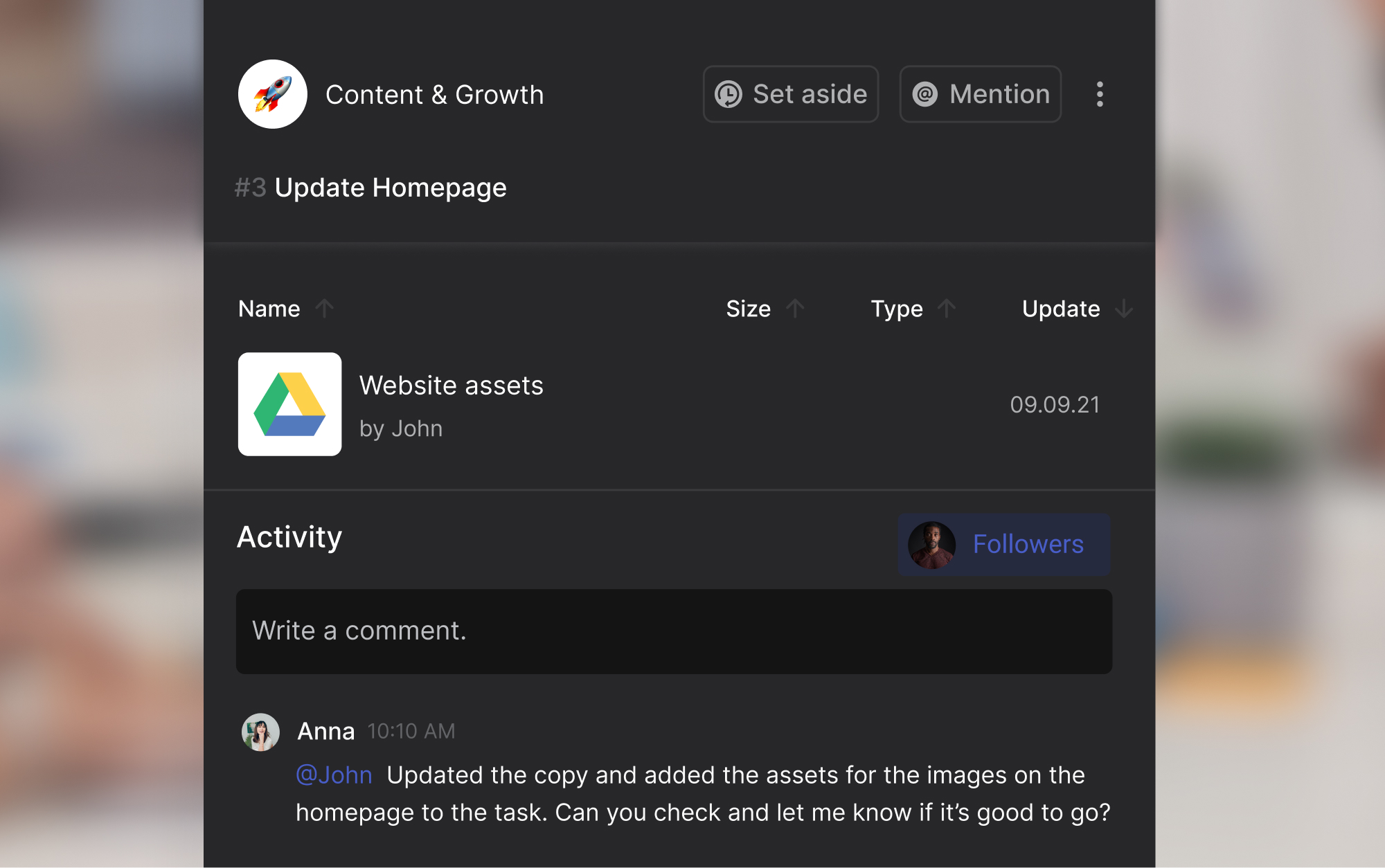
Rock's API bridges the gap between code and team collaboration. Bug tasks get created from code issues automatically. Feature ideas and improvement notes get logged in the right Rock space without manual copy-pasting. Stakeholders see progress on the shared task board and in chat, without needing a separate meeting or status report.
Context handoff is handled through CLAUDE.md files and AI-generated summaries. When someone, or an AI tool, picks up a task, the full context is already there. No "let me get you up to speed" meetings. No digging through old threads.
The pattern is simple: development happens in code, but alignment and visibility happen in Rock. The API bridges the two so nothing lives only in a developer's head. Stakeholders can open the shared space and see exactly where things stand, what is next, and what is blocked.
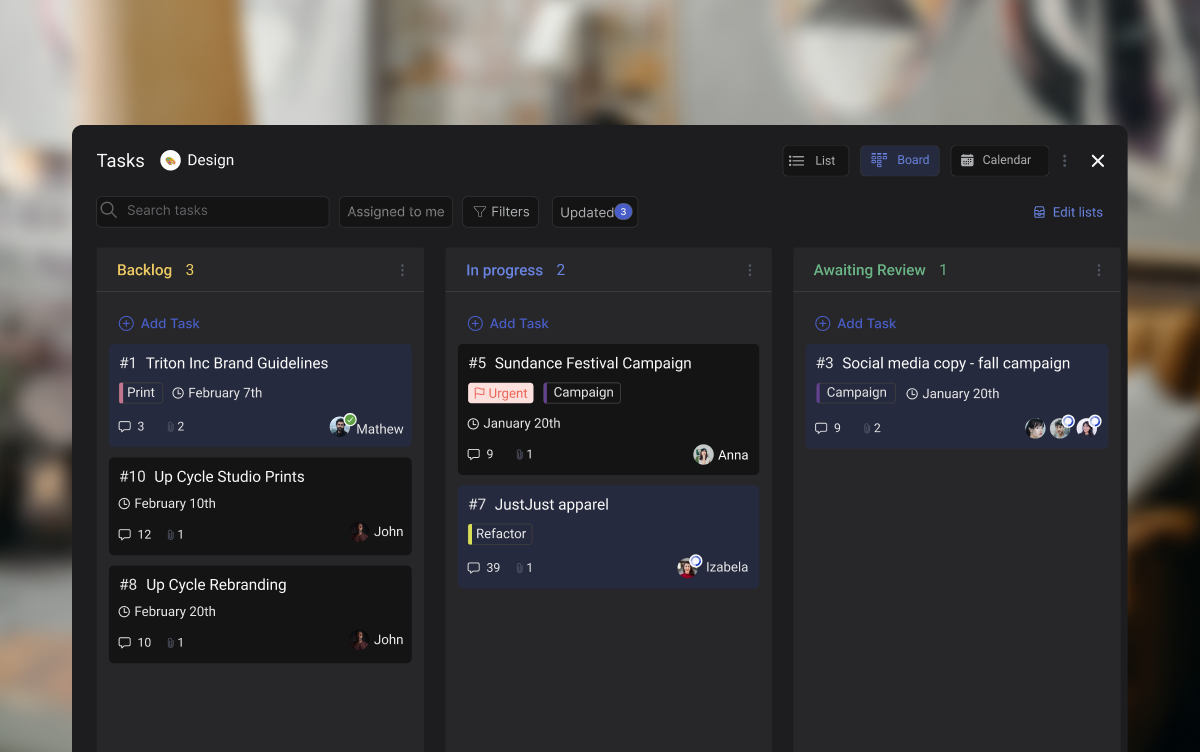
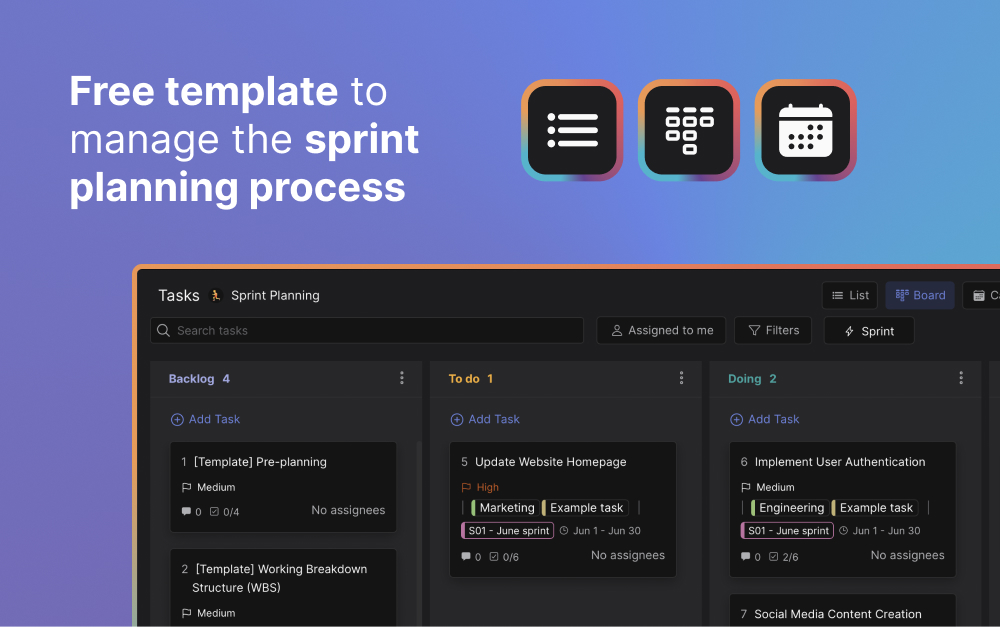
If your team uses a similar setup, the product roadmap template and sprint planning template are good starting points. They give you the structure without the overhead of a separate project management tool, since everything lives alongside your team chat.
For teams running retrospectives after each sprint, keeping the retro notes in the same space as the task board and chat means insights do not get lost between cycles. Good documentation is what makes the next sprint better than the last one.
Start With the Problem, Not the Tool
Product development is not complicated in theory. Identify a real need, validate it, design a solution, build the smallest version, test it, and scale what works. Six stages. The hard part is doing each one honestly instead of skipping to the exciting parts.
AI makes every stage faster. Use it. But do not mistake speed for progress. The teams that succeed in 2026 are the ones that use AI to test more assumptions, not fewer. That means more conversations with users, more prototypes thrown away, and more honest answers to the question: is anyone going to pay for this?
The best task management tools keep your team aligned through every stage. The best frameworks give you structure without rigidity. But no tool or framework replaces the discipline of building the right thing before building it right.
Ready to organize your team's workflow?
Rock combines chat, tasks, and docs in one workspace. Free to start.





